OpenShots: Polished Screenshots, No Upload Required
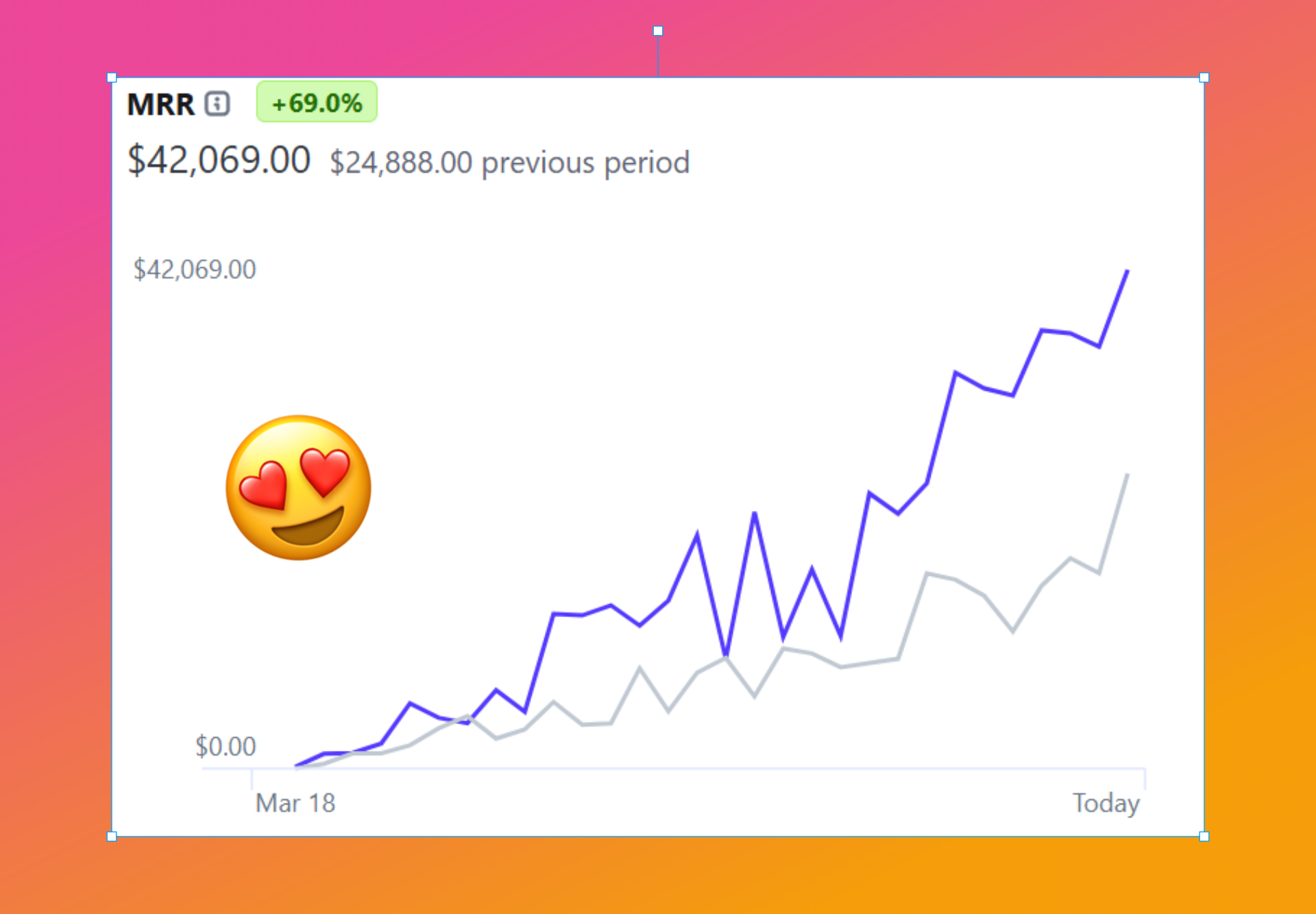
You know the screenshots people post that look like evidence in a trial? Harsh crop, desktop clutter peeking around the edges, an arrow drawn with real MS Paint energy. And on the other side, those clean visuals with the soft gradient background and rounded corners that make any bug report look like a product launch. The gap between the two is about ten seconds - if you have the right app.
OpenShots is that app. It's free, open source, and completely offline.
From raw capture to presentable in one app
OpenShots is a cross-platform desktop app - Mac, Windows and Linux - built by the TraceKit team, better known for their APM tool. It captures screenshots itself: full screen, a region, or a specific window, with configurable global hotkeys, a system tray icon, a self-timer and a crosshair for pixel-perfect selections. Retina displays get sensible downscale options too.
The fun starts after the capture. Drop your shot onto a gradient, a solid color, your own image, or one of the built-in macOS wallpapers. Then dial in padding, rounded corners and drop shadows until it looks like a design team touched it. Inset borders are auto-matched, there are window chrome and device mockup frames for the full product-shot treatment, and a fan layout for when one image isn't enough.
Point at things properly
The annotation kit covers the classics - arrows, rectangles, ellipses, text labels - plus speech bubbles, numbered callouts for step-by-step walkthroughs, emoji for when words fail, and a spotlight overlay that dims everything except the thing you're talking about. Every element drags, resizes and rotates, with full undo and redo for your changing mind.
The privacy tools deserve their own paragraph: blur or pixelate any region before sharing, so the screenshot of your dashboard doesn't also share your email address, your API keys, or the embarrassing name of your Wi-Fi network.
Export like you mean it
PNG, JPEG or WebP with quality control, at 1x, 2x or 3x scale. One click copies the result to the clipboard, and the OS share sheet is a click away too. Looks you like can be saved as presets, reused, and exported as JSON for the team. Projects auto-save, so reopening last Tuesday's annotated masterpiece takes seconds.
And for the terminal-inclined, there's a full CLI: batch-beautify a folder of screenshots with a preset, redact regions, convert formats, render saved projects. Scriptable documentation pipelines, here you come.
The catch
On Linux under Wayland, the global hotkeys don't work - you'll trigger captures from the system tray instead. On macOS, the app is signed and notarized but will ask for Screen Recording permission on first run, which is normal for any capture tool. And OpenShots styles still screenshots; it doesn't record video or GIFs, so screen recordings still belong to another tool.
Verdict
OpenShots replaces the awkward dance of capture, open an editor, crop, draw an arrow, export, realize the arrow is ugly, repeat. Everything happens in one place, nothing leaves your machine, and the price is exactly zero under an MIT license. If your screenshots ever end up in bug reports, docs, tweets or blog posts, this is an easy install.