Strawberry: The Browser That Does Web Chores for You
Some web chores feel designed to eat a Tuesday. Research a topic across ten sites, pull numbers out of pages, draft the follow-up email, repeat tomorrow. Strawberry is a browser that wants to hand those chores to AI "companions" working inside your tabs while you get on with your day. I spotted it in this week's Product Hunt launches, where it finished the day near the top; everything below comes from its official site and pricing page.
What Strawberry is
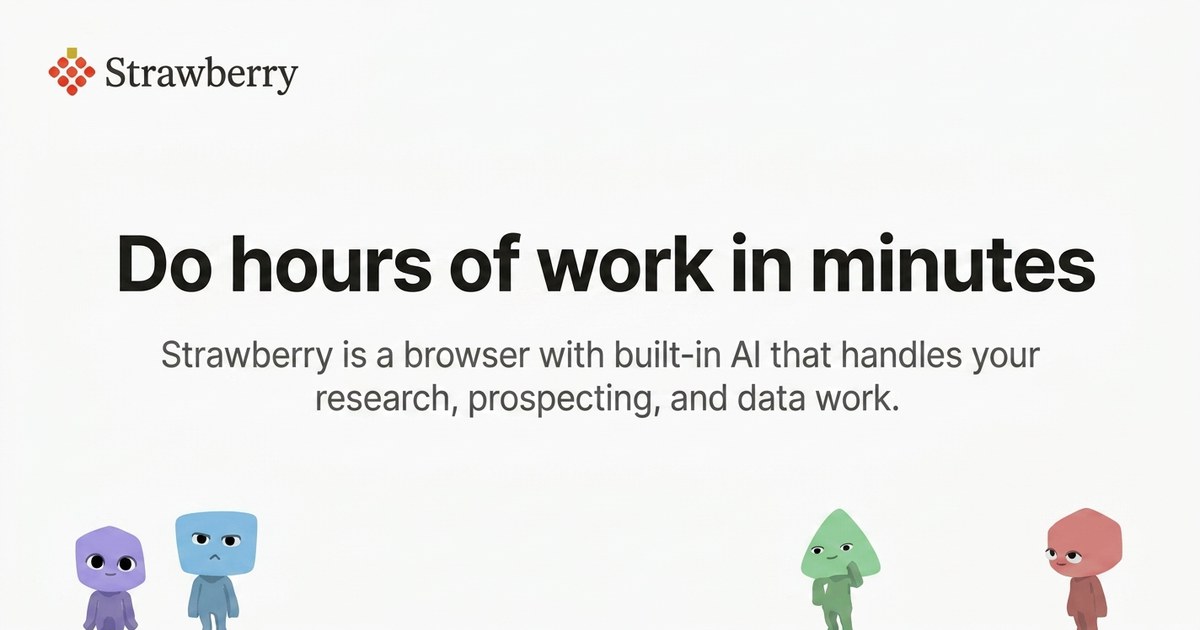
Strawberry is a desktop browser for Mac and Windows with AI teammates built in. This is not another chatbot parked in a sidebar: companions can actually use websites. They click, read, extract and draft, including on sites where you're logged in. You can "hire" one of the official companions (Sales Sally for leads, Talent Theo for recruiting, Executive Ellis for your morning brief, Marketing Martin for posts), or create your own with its own look, built around your process and schedule. Moving over is meant to be painless: bookmarks, passwords and extensions come with you.
The deeper idea is that the browser becomes a shared workspace. A chatbot lives in a separate window and knows your apps through a handful of connectors; a companion sits in the same tabs you do and sees what you see. That difference sounds small until the task is "log in, find the thing, do the thing" - which is most of office work.
What the companions actually do
The feature list reads like a wish list for anyone who lives in a browser. Research that spans websites and ends in a clean dashboard or slide deck, not a pile of tabs. Meeting notes without a meeting bot: bring Strawberry along and it summarizes the call and drafts the follow-ups. Recurring tasks on a schedule, so the Monday report happens whether you remember it or not. Memory across chats, so the companion stops asking who your accountant is for the third time. And connectors for Gmail, Slack, Notion and friends, so the work starts and ends where it already happens.
The free plan, honestly
This is a freemium product, so let's be exact. Browsing is always free. Credits are only spent when a companion steps in: drafting, extracting, researching. The free plan gives you 500 credits a month with curated AI models, which is enough for a genuine taste, not for delegating your job. The paid tiers are Intern (6,000 credits), Part-Time (25,000) and Full-Time (75,000), adding an expert mode, model choice, priority at peak hours, and the option to burn your own ChatGPT plan instead of credits. Monthly credits don't roll over; paid top-ups do. One oddity: the prices are shown in dollars with no currency named, so confirm the amounts on the pricing page before committing. The pricing page also promises no training on your content, which is the minimum one should demand from a tool that reads your tabs.
Where to be careful
Strawberry is proprietary and its magic runs in the cloud. Letting companions act inside your logged-in sessions means trusting a young company with very real accounts; start with low-stakes chores before you hand it the company mailbox. And while 500 free credits are honest, daily companion work is clearly designed to become a subscription. If you want local, open-source AI instead, this is not that product, and it doesn't pretend to be.
Verdict: the most convincing "browser with agents" pitch I've seen this year. The free tier is a real try-before-you-subscribe, so if web chores eat your week, it's worth the download. Just keep an eye on the credit meter.
Where to get it
Official website: https://strawberrybrowser.com/
Pricing details: https://strawberrybrowser.com/pricing