The Best Free AI Tools You Can Actually Use in 2026
Every "best free AI tools" article you've read is wrong in the same way. They list the same five products, all owned by three companies, all of which feed your conversations into training data, all of which require an account, all of which will start charging you within a year.
I've been using AI tools daily since GPT-3 came out in 2020. I run local models on my laptop. I've watched the entire generative AI gold rush from the inside. I pay for two AI subscriptions and use about twelve more for free. I have strong opinions about which ones are genuinely useful, which ones are a tax on your attention, and which ones are quietly building a profile of you to sell later.
This article is the version of "best free AI tools" that I wish existed. It assumes you want to actually use these tools, not just have them on your phone. It assumes you care a little about privacy. It assumes you'd rather know which tool is good for what task than read about "10 mind-blowing AI features".
Let's go.

The Honest State of "Free AI" in 2026
Before the recommendations, a reality check.
There are three categories of free AI tools right now, and most articles confuse them:
Category 1: Free tier of a paid service. ChatGPT free, Claude free, Gemini free. You get a limited version, the company hopes you'll upgrade. Your conversations may or may not train future models depending on settings most people never touch.
Category 2: Open-source models you run yourself. Llama 3.3, Mistral, Qwen, DeepSeek. Free forever. Run on your own computer. Nothing leaves your machine. Setup is mildly technical.
Category 3: Free services built on top of category 1 or 2. Most "free AI app" listings fall here. Wrappers around the same underlying models, often with worse privacy than going to the source.
The interesting stuff is in categories 1 and 2. Category 3 is mostly noise.
The Best Free Conversational AI: Claude (Free Tier)
I'm going to be controversial: Claude's free tier from Anthropic is currently the best free general-purpose conversational AI. Better than ChatGPT free. Better than Gemini.
I've used all three extensively. Claude writes more like a human, refuses fewer reasonable requests, and admits when it doesn't know something instead of inventing answers. The free version gives you access to Claude Sonnet, which is good enough for 95% of what people actually do with these tools.
Where Claude wins:
Writing tasks: emails, blog posts, summaries, editing. The output needs less cleanup.
Coding: it makes fewer confident mistakes and asks better clarifying questions.
Document analysis: drop a PDF, ask questions, get useful answers.
Long contexts: handles longer inputs gracefully without losing track.
Where Claude loses to ChatGPT:
Image generation. Claude doesn't do it. ChatGPT free includes DALL-E 3.
Voice mode. ChatGPT has it, Claude doesn't.
Plugin/tool ecosystem. ChatGPT's GPT Store has thousands. Claude is more bare-bones.
Where Claude loses to Gemini:
Real-time web search baked in. Gemini connects more naturally to current information.
Google ecosystem integration. If you live in Gmail and Docs, Gemini is closer.
The free tier reality: Anthropic limits how many messages you can send per day. Hit the limit, wait a few hours, come back. For most users this is fine. Power users will hit the wall regularly and either pay $20/month or rotate between Claude, ChatGPT, and Gemini.
Privacy note: by default, Anthropic does not train on Claude conversations from consumer products. This is rare in the industry and one of the reasons I trust them more than competitors.
ChatGPT Free: Still Useful, Still the Default
Despite my preference for Claude, ChatGPT free deserves its spot.
It does what Claude does, slightly less elegantly in my experience, but with more features bolted on. The free tier in 2026 gives you GPT-5 access (with rate limits), image generation via DALL-E, basic voice mode, and the massive ecosystem of community-built custom GPTs.
Where ChatGPT shines:
Image generation included free, no separate tool needed
Voice conversations are smooth
The Custom GPTs ecosystem has actually useful niche tools
Best mobile app of the bunch
Family and friends recognize the name, which matters for sharing
Privacy concern: by default, your conversations train future ChatGPT models. You can turn this off in settings under "Improve the model for everyone." Most people never do. If you use ChatGPT for anything sensitive (work documents, personal information), turn this off today.
Google Gemini: The Underrated Option
Gemini free has gotten better than people realize. Google has been quietly improving it while everyone watched ChatGPT and Claude.
What Gemini does well:
Connects to your Gmail, Calendar, and Docs if you allow it
Real-time web search is fast and accurate
Image generation included
Big free tier with generous limits
The trade-off: it's Google. They've been clearer than OpenAI about what they do with your data, but it's still Google. If "Google knows everything about me already" doesn't bother you, Gemini is genuinely useful. If you're trying to reduce Google's grip on your digital life, it's not your tool.
The One Free AI Tool Nobody Talks About: Perplexity
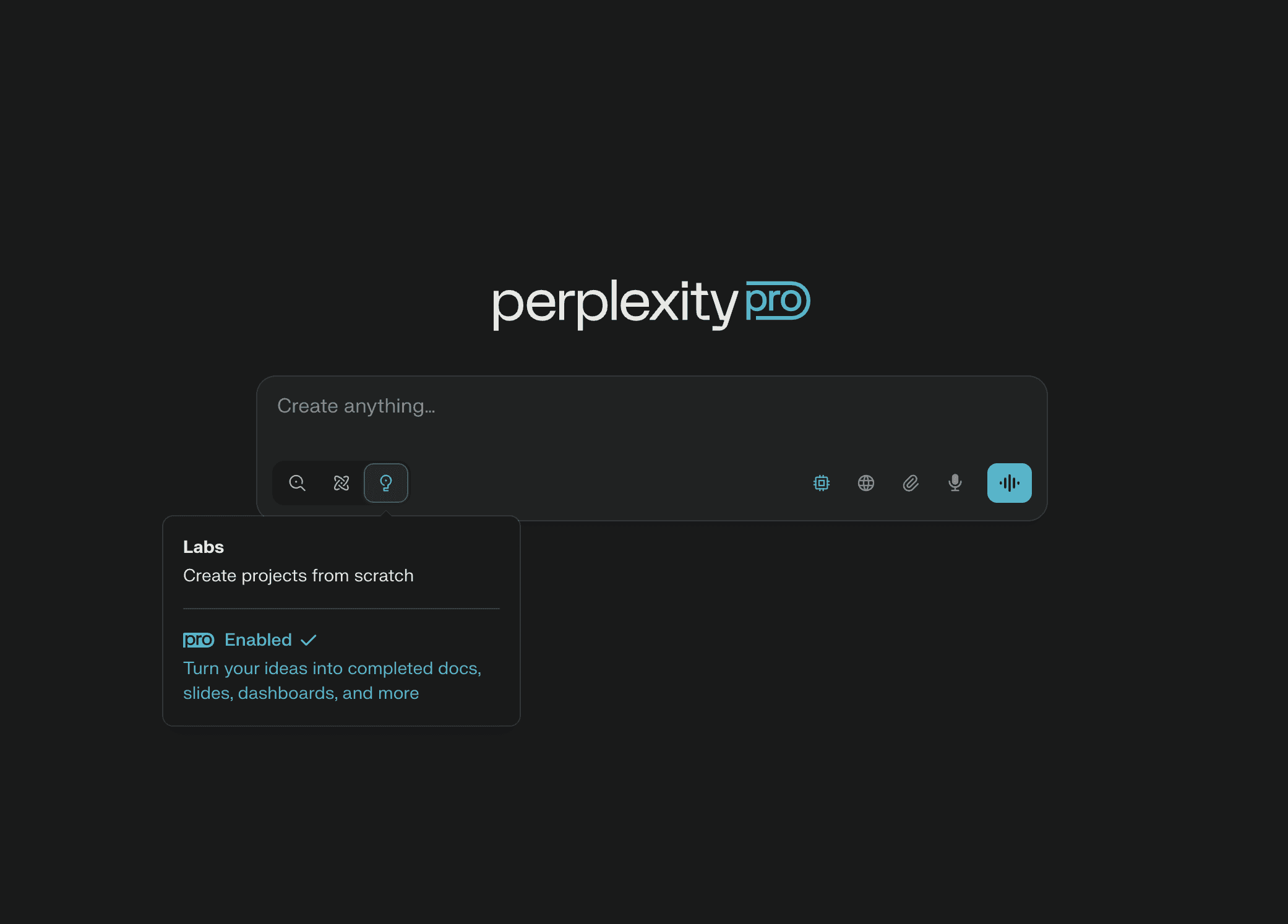
Perplexity isn't really a chatbot. It's an AI-powered search engine. You ask a question, it searches the web in real time, and gives you an answer with citations.
This is what Google should have been. It's not.
Why Perplexity is my actual default for research:
Sources are cited inline, so you can verify claims
Genuinely combines current web information with reasoning
The free tier is more than generous enough for daily use
No "as an AI language model" disclaimers cluttering responses
What Perplexity doesn't do:
Long conversations. It's optimized for query-and-answer, not chat.
Creative writing. It can do it, but you'd use Claude or ChatGPT for that.
Image generation in the free tier.
My honest workflow: Claude for thinking and writing. Perplexity for "what's actually true about X". ChatGPT for the occasional image. Three tools, all free tiers, covers most needs.
Running AI Locally: The Power User Path
This is where things get interesting and most articles never mention it.
You can download open-source AI models and run them on your own computer. No account. No internet required. No company sees your queries. Free forever, no limits, no upsells.
The catch: it requires a decent computer and some setup.
The tools to know:
Ollama is the easiest way to run local AI. Install it, type one command in terminal, and you have Llama 3.3 or any other open model running on your machine. Works on Mac, Windows, and Linux.
LM Studio is the Ollama equivalent with a graphical interface. Click to download models, click to chat. If terminals scare you, start here.
Jan is a fully open-source ChatGPT-style desktop app that runs models locally. Similar to LM Studio but more open.
The models to know:
Llama (Meta): the general-purpose workhorse, available in different sizes
Mistral / Mixtral: French models, surprisingly good, often more efficient
Qwen (Alibaba): extremely capable, especially at code
DeepSeek: shocked the industry in 2024-2025 with frontier-level open models
Phi (Microsoft): tiny models that run on weak hardware
Hardware reality check:
8GB RAM laptop: you can run small models (3-7 billion parameters), useful for basic tasks
16GB RAM: comfortable with 8-13B models, useful for real work
32GB+ RAM with a decent GPU: you can run models that approach paid tier quality
Mac with M-series chip: unified memory makes everything faster than equivalent PC
Why bother with local AI:
Complete privacy. Nothing leaves your machine.
No rate limits. Run it for 14 hours straight if you want.
Customization. You can fine-tune models for your specific use cases.
Future-proof. The model you have today works the same in 2030. No company can take it away.
Free forever. Once you have the hardware, costs are zero.
Why not bother:
Quality. The best local models are very good but not as good as Claude Sonnet 4 or GPT-5.
Setup time. Even with Ollama, expect an evening of fiddling.
Hardware cost. A capable AI machine is more expensive than a few years of ChatGPT Plus.
If you do anything involving sensitive data, local AI is worth the learning curve. If you're using AI for casual tasks, just use Claude free and move on.
Free AI Image Generation
This category moves fast. Here's the current state:
Free with limits:
ChatGPT free includes DALL-E 3, limited daily uses, good general quality
Microsoft Designer uses DALL-E 3 for free, more generous limits than ChatGPT
Bing Image Creator same engine, even more free generations
Gemini includes Imagen 3, decent quality, generous free tier
The local option:
Stable Diffusion with tools like AUTOMATIC1111, ComfyUI, or Fooocus runs entirely on your computer
Requires a decent GPU (NVIDIA preferred, AMD works with effort)
Once set up, unlimited free image generation
Most flexible: hundreds of community-trained models for specific styles
Steepest learning curve of any tool in this article
The honest recommendation: use Microsoft Designer (Bing Image Creator) for casual image generation. It's the same DALL-E engine ChatGPT uses but with more generous free limits. For serious image work, learn Stable Diffusion through Fooocus.
Free AI for Specific Tasks
Some tasks have specialized free tools that beat the general-purpose chatbots.
Coding:
GitHub Copilot Free for students, open source contributors, and some other categories
Cursor has a generous free tier with built-in AI
Continue.dev is open source and works with local models via Ollama
Codeium (now Windsurf) offers free AI coding assistance with fewer strings attached than Copilot
Audio transcription:
Whisper by OpenAI is open source and runs locally. Drop a recording, get a transcript. Better than most paid services.
WhisperX adds speaker identification on top.
Translation:
DeepL Free beats Google Translate for European languages. 500,000 characters per month free.
Writing assistance:
LanguageTool Free is the open source Grammarly alternative
Research papers:
Elicit for academic literature review, generous free tier
Consensus for finding scientific consensus on questions
NotebookLM by Google for chatting with documents you upload
Quick Comparison: The Honest Version
Tool | Best For | Free Tier Reality | Privacy |
|---|---|---|---|
Claude (free) | Writing, thinking, analysis | Daily message limit | Best in class |
ChatGPT (free) | All-purpose with images | GPT-5 limited | Trains on data by default |
Gemini (free) | Web-connected queries | Generous limits | Google reads everything |
Perplexity (free) | Research with sources | Generous limits | Decent |
Ollama + Llama 3.3 | Privacy, no limits | Free forever | Perfect (local) |
LM Studio | Easy local AI | Free forever | Perfect (local) |
Microsoft Designer | Image generation | Generous daily limit | Microsoft sees prompts |
Stable Diffusion (local) | Serious image work | Free forever | Perfect (local) |
Whisper (local) | Transcription | Free forever | Perfect (local) |
DeepL Free | European translation | 500k chars/month | EU data laws |
Tools to Approach With Caution
A few categories where the "free AI" landscape is genuinely problematic.
Random AI apps on phone app stores. Most are wrappers around OpenAI's API with terrible privacy policies. They charge you a "free trial" that auto-renews. Avoid.
"Free" AI image generators that ask for your email upfront. They're harvesting data to sell. Use Microsoft Designer or run Stable Diffusion locally instead.
AI girlfriend / character apps. Beyond the obvious concerns, these are some of the most aggressive data harvesters in the entire app ecosystem. Many have been caught selling intimate conversations.
Free AI tools owned by sketchy parent companies. A surprising number of AI apps in 2026 are owned by companies based in jurisdictions with no real data protection. Check who actually owns the tool before pasting anything personal.
What I Actually Use Daily
For full transparency, my actual current stack:
Claude Pro (paid, $20/month) for daily writing, thinking, coding
Perplexity (free tier) for research and current information
Ollama with Qwen 2.5 running locally for sensitive queries
Whisper locally for transcribing meetings
DeepL Free for translation
Microsoft Designer when I want a quick image
Total spent: $20/month on Claude. Could be $0 if I dropped Claude Pro and lived within free tier limits, which would be genuinely fine for most people.
The Strategic Way to Use Free AI in 2026
The smart play right now is to rotate between free tiers. They each have daily or monthly limits, but you can use one for the first part of your day, switch to another when you hit the limit, and never pay a cent.
A reasonable rotation:
Claude free for first daily session (writing, analysis)
ChatGPT free when Claude hits its limit (variety, image gen)
Gemini free when both above are exhausted
Perplexity for any research-flavored question
Local model via Ollama for anything sensitive or when offline
This setup costs zero euros and covers about 95% of what most people need AI for.
Honest Final Thoughts
The "free AI" landscape will keep shifting. Companies that are generous now might tighten free tiers as costs settle. Local models will keep getting better. The privacy gap between commercial and local will keep mattering more.
The advice that will age well: use Claude or ChatGPT for daily tasks, learn local AI before you need it, and don't paste anything into a free AI tool that you wouldn't email to a stranger.
The AI hype cycle is loud right now. The actual useful work these tools do for most people fits in a small number of tasks: writing, summarizing, coding help, image generation, translation. You don't need twelve tools. You need two or three, used well.
Pick Claude as your default. Add Perplexity for research. Install Ollama when you have a Sunday afternoon to spare. That's the entire honest answer to "what free AI tools should I use in 2026."
Stop reading lists and go use one.