Microsoft says its taskbar Microsoft 365 apps "came at a very high cost"
- Windows
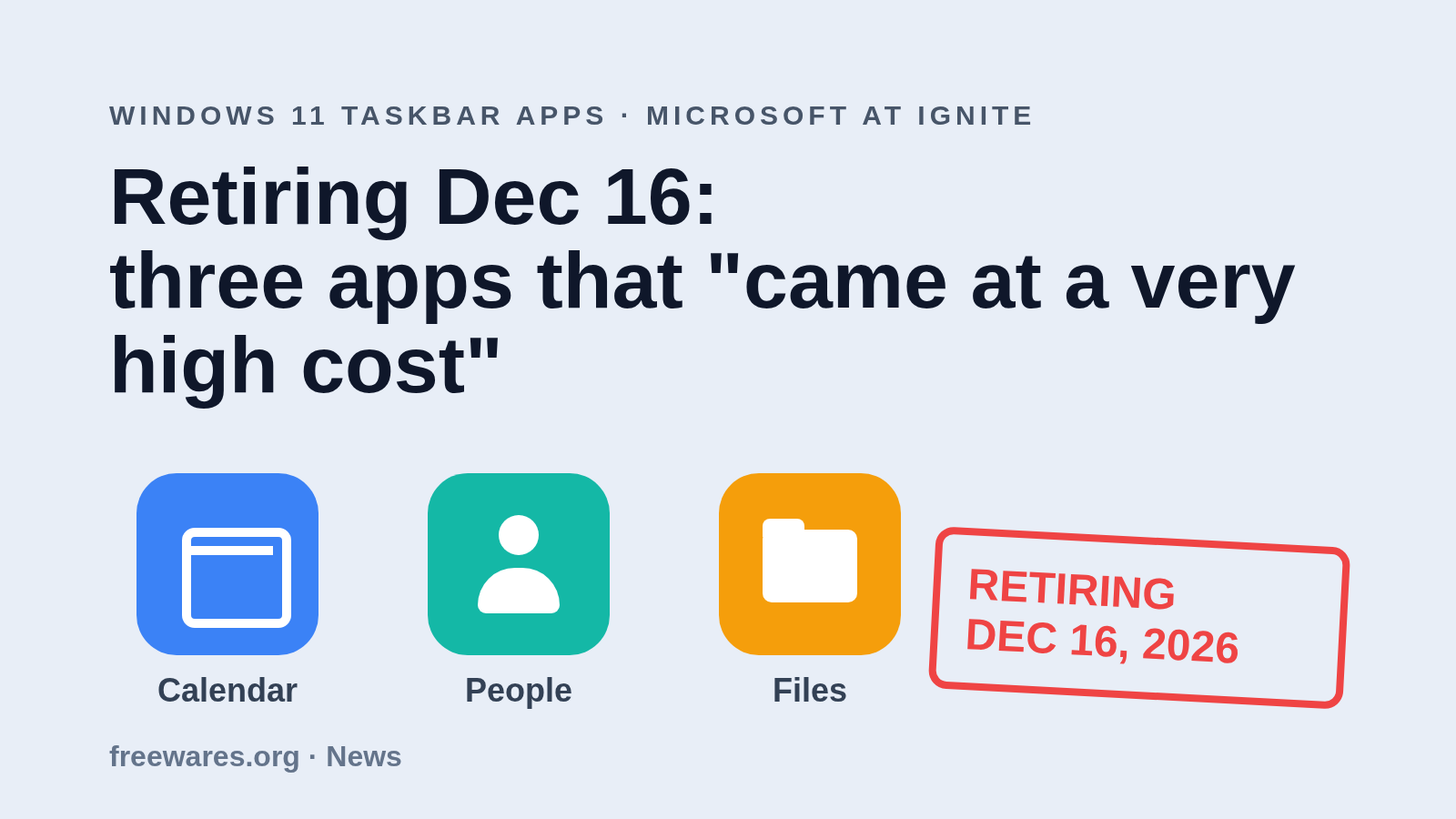
Microsoft's three small Microsoft 365 apps for the Windows taskbar, Calendar, People and Files, are going away on December 16, 2026. Now Microsoft has said why. At Ignite, answering a customer's question, a Microsoft speaker said the apps "were a source of a lot of memory and issues" and "came at a very high cost", according to a report by Windows Latest. If you have them on your PC, you can remove them now.
What Microsoft has confirmed
Microsoft's support page says the Calendar, People and Files companion apps will be retired on December 16, 2026, and will be nonfunctional before then. They came at no extra cost with eligible Microsoft 365 and Office 365 licences. Microsoft says removing them does not delete or affect existing Microsoft 365 data: your files, calendar events and contacts live in your Microsoft 365 services, not in the apps. The retirement itself was announced earlier, in September, without a stated reason.
The memory comment
The new part is the Ignite remark. Windows Latest heard it during the live stream: an attendee asked how the Files companion app differs from File Explorer, and Microsoft answered with the "lot of memory and issues" line. Microsoft gave no memory figure and did not say which issues it meant. Windows Latest says its own tests found the apps, which are built on WebView2, could use more than 1 GB of RAM. That is the outlet's measurement, not a Microsoft number, and we have not repeated the test.
How to remove them
Microsoft says admins remove the apps on managed devices. If your PC is not managed by an organisation, you can do it yourself in one of two ways:
- Open Windows Settings, go to Apps, then Installed apps, search for Microsoft 365 companions, open the three-dot menu and choose Uninstall.
- Type Calendar, People or Files in the Windows search box, right-click the app and choose Uninstall. Microsoft says uninstalling one removes all three.
Microsoft's page points to Outlook and Teams for calendar and people information, and to Windows search, File Explorer, OneDrive, SharePoint and the Office apps for files. It has stopped installing the companions through Microsoft 365 Apps updates, but existing installations stay until someone removes them.
For IT admins
The support page tells admins to stop every deployment path first, including Intune and other distribution tools, so the apps do not come back, and then remove them from managed devices. Admins who still need the details should read the steps on that page rather than rely on a summary here.
Sources: Microsoft Learn, Microsoft 365 companion apps retirement and Windows Latest, November 26, 2026.
Cover: original illustration by Freewares.