Microsoft To Do Is Retiring. Personal Users Need a Different App
Microsoft is retiring the To Do apps on June 30, 2027. If you use a personal Microsoft account, the suggested replacement, Planner, is not available to you. That includes Microsoft 365 Personal and Family subscribers.
For a service built around remembering things, this is a date worth writing somewhere else.
The announcement appeared in Microsoft's November 18 Planner update. Its transition guide gives the practical detail: the retirement covers To Do on Windows, Mac, iOS, Android and the web. This is a future deadline, not a shutdown that has already happened.
Planner is not a drop-in replacement
For work and school accounts, Microsoft is bringing individual task management into Planner. A redesigned My tasks experience starts rolling out in December 2026. New private tasks created there will be stored in a private Planner plan.
Your existing To Do lists will not be moved into it. Microsoft says existing To Do tasks remain accessible through Planner until June 30, 2027; after that date, you will no longer be able to view or manage those tasks there. Shared-list membership, assignments and permissions will not transfer either.
There are feature differences beyond moving the data. Microsoft says native Planner apps for Windows and Mac are not planned as replacements for To Do's desktop apps. The web and Teams experiences do not provide equivalent desktop offline functionality. Planner's due-date notifications also differ from reminders scheduled for individual To Do tasks, and file attachments are not currently supported in the new private plan.
In other words, “use Planner” is a destination for eligible accounts, not a promise that the same workflow will follow you there. Work and school users should also check their organization's Planner access and licensing before planning around it.
Personal accounts are left outside
The sharpest change is for people using To Do for their own lists rather than through an employer or school. Microsoft explicitly says Planner is unavailable to personal accounts, even if they have a Personal or Family subscription. Its advice is to choose another task-management app and prepare to export.
That does not mean you need to hurriedly delete your lists or rebuild everything today. It does mean that waiting for an automatic migration would be a mistake: Microsoft is not offering one.
An export is promised, not yet explained
Microsoft says it will provide a way to export To Do data before retirement. At the time of writing, the transition guide does not give the instructions, supported data, requirements or limitations. Those details are still to come.
An export is not the same thing as a migration. Microsoft specifically warns that exporting does not mean the result can be imported into Planner or another app. Until the format and coverage are known, nobody can promise that your attachments, shared lists and reminders will arrive intact in a replacement.
One important distinction: June 30 is not an announced automatic deletion date for all underlying task data. Microsoft separates the apps' retirement from data retention, and says the underlying service, APIs and synchronization support have separate, later timelines. Classic Outlook's native Tasks experience is also separate and will continue working and syncing with Exchange, according to the guide.
What to do now
Start with an inventory, not a panic migration. Check both personal and work accounts if you use both. Note which lists matter, who shares them, and whether you rely on recurring tasks, individual reminders, attachments or offline desktop access.
Then try a replacement with a few non-critical tasks before moving your whole system. A good-looking list is not enough if it drops the one reminder or shared workflow you actually need. Keep the original data while checking Microsoft's export instructions when they appear.
For Freewares readers, the useful follow-up will be a hands-on look at free alternatives and their real import options. For now, the confirmed news is simpler: To Do's apps have an end date, Planner does not cover personal users, and your existing lists will not move themselves.
Sources
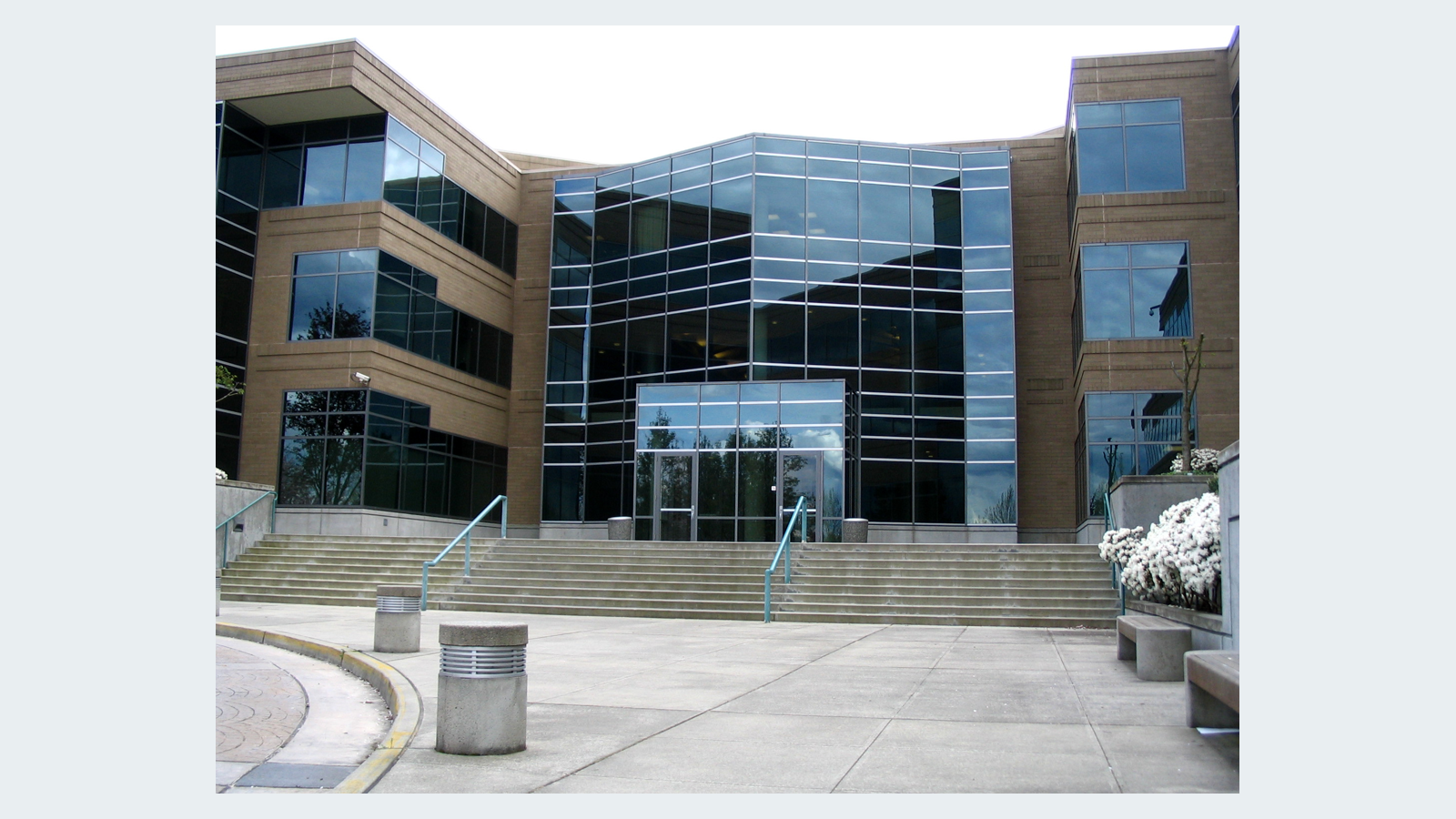
Image: Microsoft's Building 17 in Redmond, photographed by Derrick Coetzee in April 2005. Archival photo, not the To Do interface. Public domain; levels adjusted in the Wikimedia version by Zarex. Source and rights.