Pop!_OS 26.04 LTS is out with one-click COSMIC themes and automatic updates
- Linux
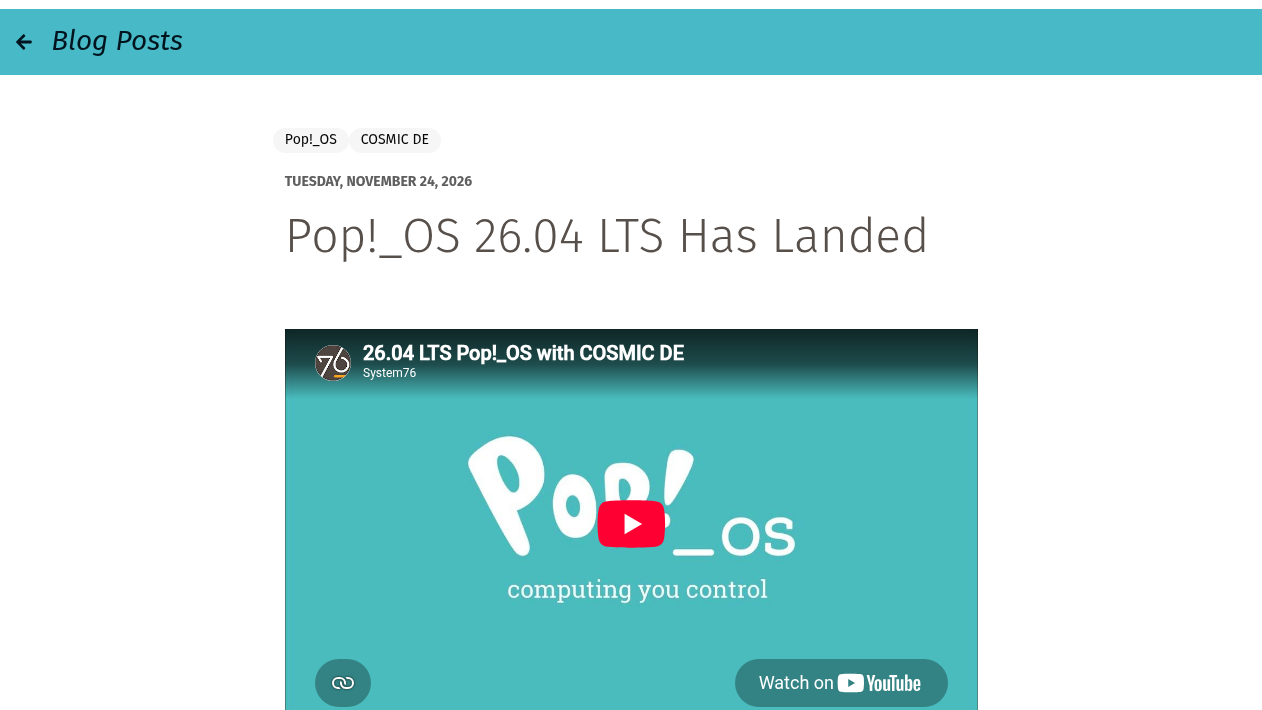
System76 released Pop!_OS 26.04 LTS on November 24. It follows Pop!_OS 24.04 LTS, where System76's COSMIC desktop, written in Rust, first replaced GNOME (per 9to5Linux).
What is new
The headline feature in System76's announcement is Constellations: bundled COSMIC themes that change wallpaper, accent colors, icons and fonts in one click, from Settings, Desktop, Appearance. You can add a Frosted Glass effect, edit a Constellation and export it as a backup or to share. 9to5Linux counts eight bundled themes.
- Automatic updates, which you can turn on during first setup or later in Settings.
- Drawing tablet support, including tilt sensitivity, and an on-screen keyboard with touch and gamepad input.
- New native apps: COSMIC Viewer, COSMIC System Monitor and a redesigned COSMIC Store.
- Remote desktop support, scalable cursors, improved screen magnification, configurable workspace wrapping, and better automatic GPU selection on hybrid laptops.
- Gaming changes: pointer constraints and fullscreen improvements.
According to 9to5Linux, the release is based on Ubuntu 26.04 LTS and uses Linux kernel 7.2 and Mesa 26.2. ISO images are offered for Intel/AMD and NVIDIA systems, and for ARM64.
Upgrading from 24.04
Do not expect an upgrade button yet. System76 says upgrades from Pop!_OS 24.04 to 26.04 will be activated in December. For the full 26.04 experience today, you need a fresh install, so back up your files first. Because COSMIC is a rolling release, System76 notes that users on 24.04 already have many of these features.
Download it from system76.com/pop. You do not need System76 hardware to use it.
Cover: capture of the System76 blog post "Pop!_OS 26.04 LTS Has Landed", © System76, taken November 25, 2026.