
Flow Launcher
A fast, keyboard-driven launcher for Windows: apps, files, bookmarks and web search one hotkey away
Download Now
Free for Windows. No registration required.
One of over 130 tools we've selected. No paid listings.
How we review software →Screenshots
About Flow Launcher
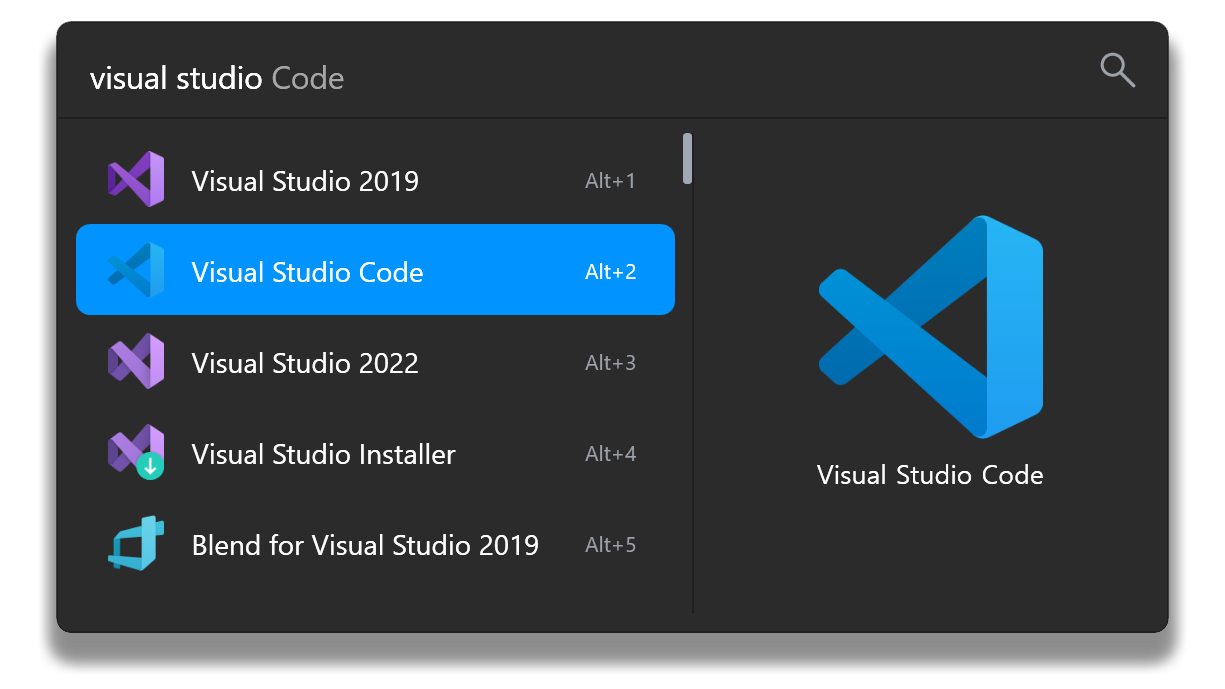
Flow Launcher is a fast, keyboard-first launcher for Windows that puts your apps, files, bookmarks, and web searches one hotkey away. Press Alt+Space, type a few letters, and hit Enter - the program you wanted is open before your hand leaves the keyboard. It is free, open source under the MIT license, and shaped by an active community that keeps extending what it can do.
One Hotkey for Everything on Your PC
At its core, Flow indexes your Start Menu shortcuts, installed desktop programs, and Microsoft Store apps, then matches them instantly as you type. Fuzzy matching means "ff" finds Firefox and "exc" finds Excel; acronym search means "ps" can surface PowerShell. The same box searches your files and folders. Pair it with the free Everything search engine from voidtools and every file on every drive becomes reachable by name in a fraction of a second - a combination many users consider the fastest way to open anything on Windows.
A Plugin Store, Not Just a Launcher
Flow ships with the essentials built in: a calculator that evaluates expressions as you type, shell commands, web search with suggestions, browser bookmark search across Chrome, Edge and Firefox, a window switcher, and system commands for shutdown, restart, lock, and emptying the recycle bin. Beyond that sits an in-app plugin store with well over a hundred community-made extensions: clipboard managers, Steam and Obsidian search, translation, unit conversion, Spotify control, GitHub lookups, color pickers and more. Plugins install from Settings in two clicks, and developers can write their own in C#, Python, or any language that speaks Flow's JSON-RPC protocol.
Make It Yours
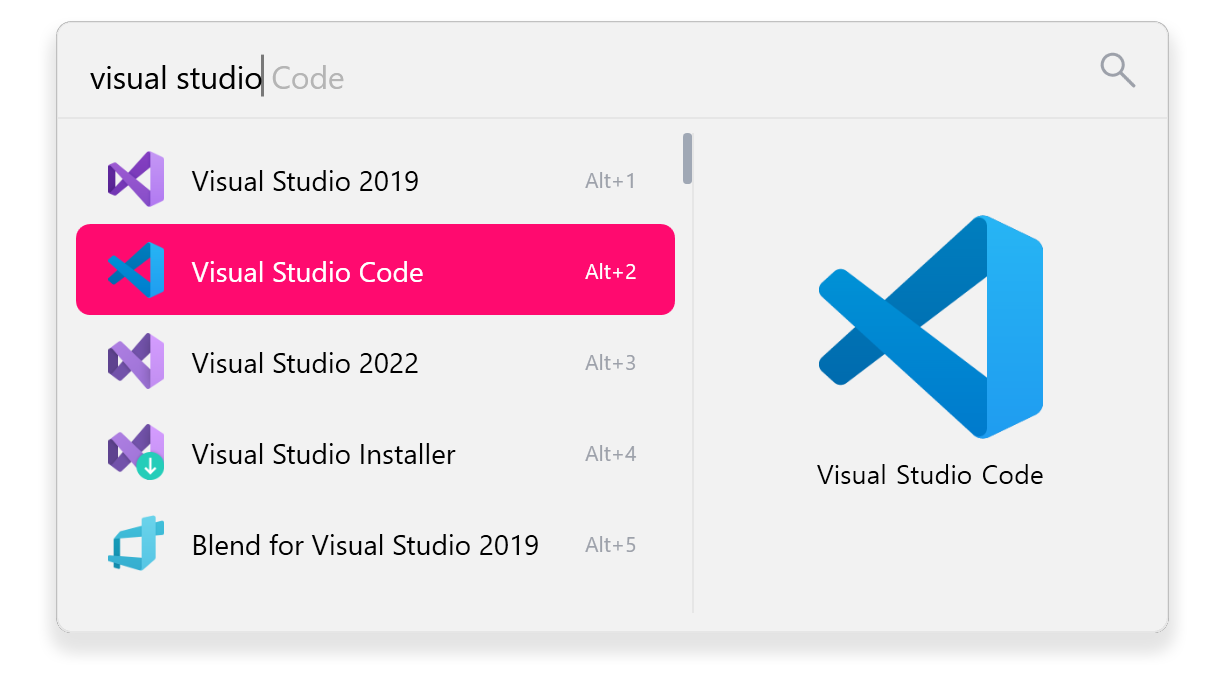
Flow is happy to be bent to your habits. Change the activation hotkey, reorder result priorities, adjust how many results show, and pick from a library of themes or design your own color scheme. A portable edition runs from a USB stick or a synced folder with no installation, and a game mode suspends the hotkey while you play full-screen. Translations are community-maintained, so the interface speaks dozens of languages.
Things to Know Before You Rely on It
Flow is Windows-only, with no macOS or Linux edition. Deep file search works best with Everything installed alongside it; out of the box, Flow leans on Windows Search indexing, which is slower and covers less. Plugin quality varies because extensions come from the community - the most popular ones are excellent, while niche ones can lag behind Flow updates. And because Flow runs in the background waiting for its hotkey, it keeps a modest slice of memory in use at all times.
Editorial Note
Flow Launcher is one of the most convincing answers Windows has to macOS's Spotlight or Alfred: fast, genuinely extensible, and free in every sense. The defaults are sensible enough for a casual user, while the plugin store and settings reward anyone willing to tinker. If you install one productivity tool this year, this is a strong candidate.
Key Features
Instant search for apps and files
Find Start Menu apps, installed programs, Microsoft Store apps, files and folders with fuzzy and acronym matching as you type.
Built-in plugin store
Browse and install 100+ community plugins - clipboard history, translation, Spotify control, GitHub lookups and more - directly from Settings.
Calculator, shell and web search
Evaluate math expressions, run shell commands and search the web with live suggestions from the same box.
Browser bookmarks and window switching
Search bookmarks from Chrome, Edge and Firefox, and jump to any open window by typing its title.
Pros & Cons
Pros
- Extremely fast, keyboard-first workflow with fuzzy and acronym matching
- Large community plugin ecosystem keeps adding new abilities
- Free and open source (MIT), with a portable edition
- Sensible defaults - genuinely useful minutes after installing
Cons
- Windows only - no macOS or Linux version
- Instant full-drive file search works best with the separate Everything app installed
Frequently Asked Questions
Is Flow Launcher free?
Yes - completely free and open source under the MIT license, for personal and commercial use. Development is funded by sponsors and donations.
How do I open Flow Launcher?
Press Alt+Space, the default hotkey, and start typing. You can change the hotkey to anything you like in Settings.
Can Flow Launcher find any file on my PC?
Yes. Install the free Everything app from voidtools and Flow integrates with it automatically for instant filename results across every drive. Without it, Flow uses Windows Search indexing, which is slower and covers fewer locations.
Quick Info
Screenshots