
FreeFileSync
Open-source file synchronization and backup tool for comparing and syncing folders
Download Now
Free for Windows, macOS, Linux. No registration required.
One of over 130 tools we've selected. No paid listings.
How we review software →Screenshots
About FreeFileSync
FreeFileSync is an open-source synchronization tool that compares and syncs files between folders, drives, or network locations. We tested version 14.6 across Windows and Linux systems to evaluate its functionality for backup and file management tasks.
Setup and Interface
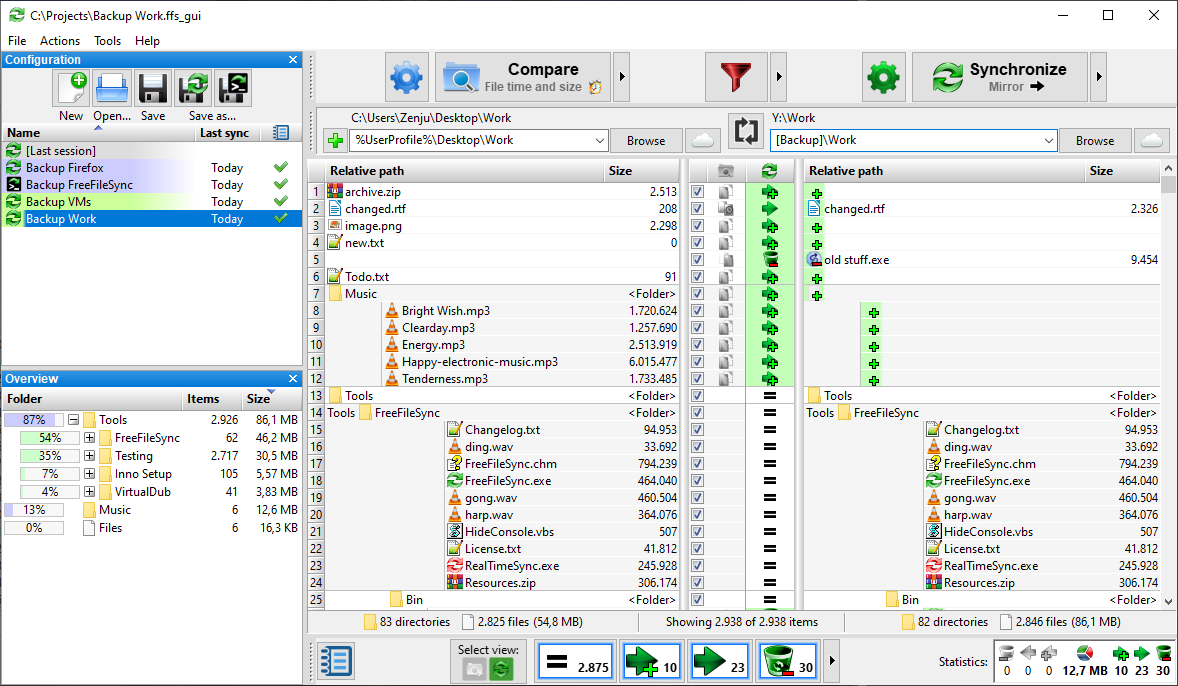
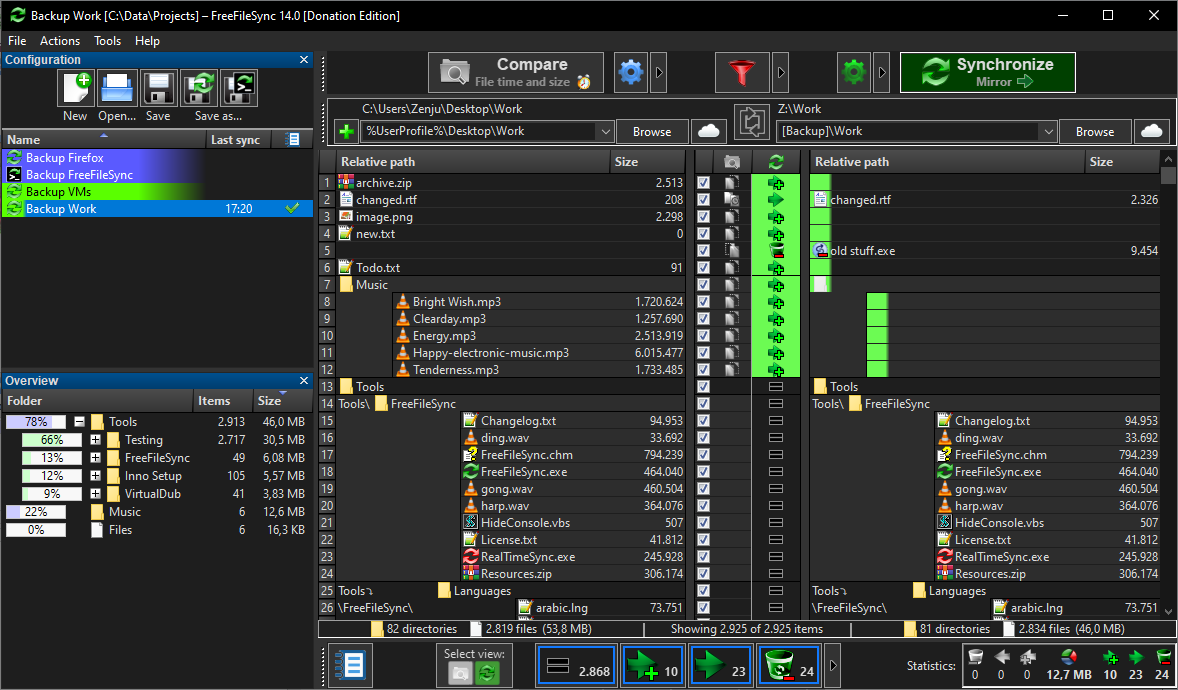
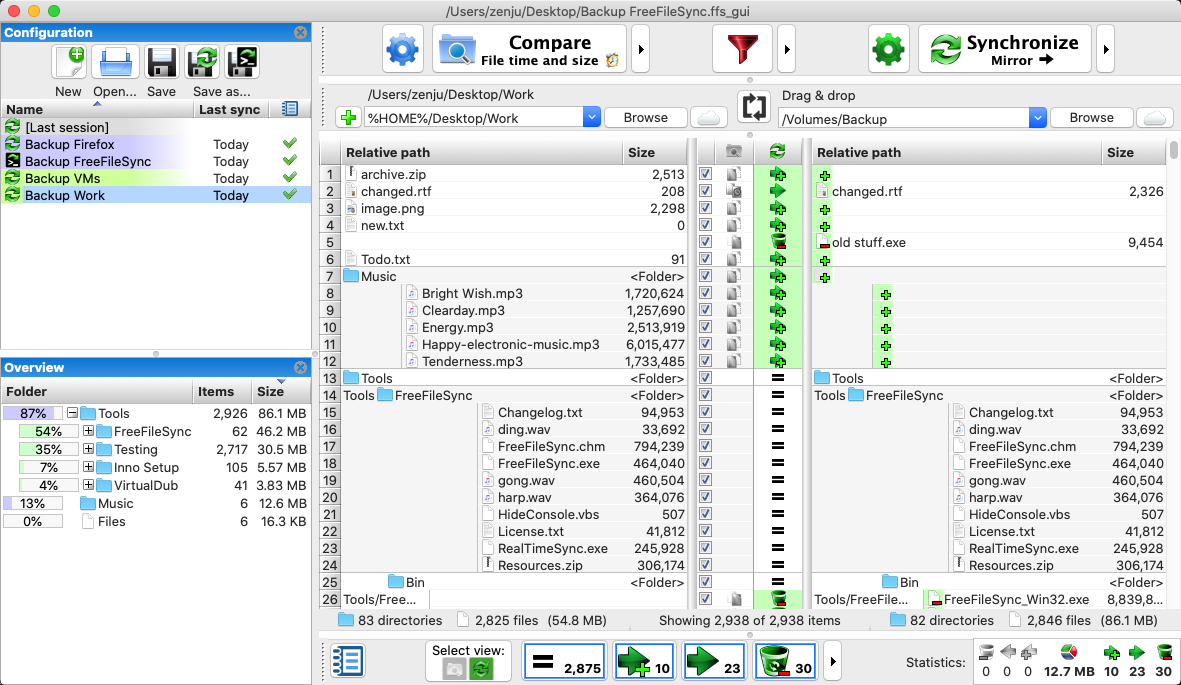
The installation process is straightforward, with options for both standard and portable installations. The portable version can run from a USB drive without system installation. The main interface presents two folder panels side by side, with comparison results displayed in a list view showing file status indicators. While the interface design is functional rather than modern, all controls are accessible and labeled clearly.
Comparison and Sync Modes
FreeFileSync offers three primary sync modes: Mirror (makes the target identical to source), Update (copies only new and modified files), and Two-Way (synchronizes changes in both directions). During testing, we found the comparison engine performs well with large directory structures. The software can compare files based on modification time, file size, or binary content. The binary comparison mode is slower but ensures accuracy when detecting actual file differences rather than just metadata changes.
Performance
In our tests with folders containing approximately 50,000 files, the initial comparison completed in under 30 seconds on an SSD. The parallel file operation feature allows multiple files to be copied simultaneously, which significantly improved sync speed when working with network shares where latency is a factor. The application consumed roughly 150-200 MB of RAM during operation.
Notable Features
The software includes several features that distinguish it from basic sync tools. It can detect moved and renamed files, avoiding unnecessary copy operations. Volume Shadow Copy support enables syncing of locked files on Windows. The versioning feature retains older file versions in a separate folder, providing a safety net against accidental deletions or overwrites.
Real-time synchronization mode monitors folders for changes and triggers automatic syncs, though this must be configured separately using the RealTimeSync companion utility included with the installation.
Network and Cloud Support
FreeFileSync handles FTP, FTPS, and SFTP connections directly through its interface. Google Drive sync is supported but requires the Google Drive desktop client. During testing, FTP sync worked reliably, though speeds were naturally limited by network bandwidth rather than the software.
Limitations
The learning curve is moderate for users new to sync concepts. The abundance of configuration options can be overwhelming initially. Batch job creation requires understanding the comparison and sync settings. The filter system for including or excluding files uses wildcard patterns that may require some trial and error to configure correctly.
FreeFileSync is distributed as donation-supported freeware. The software operates without advertisements or feature limitations.
Key Features
File Synchronization
Compare and synchronize files and folders between different locations with customizable sync modes including mirror, two-way, and update sync.
Backup Functionality
Create automated backups with versioning support, allowing you to maintain multiple backup copies and restore previous file versions when needed.
Batch Processing
Save and execute multiple synchronization jobs with a single click, streamlining repetitive file management tasks and improving workflow efficiency.
Pros & Cons
Pros
- Completely free and open-source with no advertisements or feature limitations
- Intuitive interface with visual feedback showing file differences and sync direction
- Fast performance even with large numbers of files and directories
Cons
- Learning curve can be steep for users new to synchronization concepts
- No cloud storage integration built-in, requires manual network drive setup
Frequently Asked Questions
Is FreeFileSync safe to use?
Yes, FreeFileSync is completely safe. It's open-source software that has been independently audited and is widely used by millions of users worldwide. The software doesn't contain any malware, adware, or bundled software.
Screenshots