
KeePassXC
Free open source password manager that keeps your data offline
Download Now
Free for Windows, macOS, Linux. No registration required.
One of over 130 tools we've selected. No paid listings.
How we review software →Screenshots
About KeePassXC
KeePassXC is a free and open-source password manager for Windows, macOS and Linux. It keeps your logins, notes and attachments in one encrypted database file that stays on storage you control, with no account, subscription or remote server involved. It suits anyone who wants a serious password vault without handing their data to a cloud service.
Keep Your Vault Under Your Control
A KeePassXC database is a single encrypted file. You decide where it lives: on your computer, on a USB drive, or in a private or public cloud folder that you already use. The project describes itself as ad-free, tracker-free and cloud-free, and the source code is open on GitHub under the GPLv3 license, so anyone can inspect how it works. The project has also received a security visa from the French national cybersecurity agency ANSSI for an earlier release.
Store More Than Passwords
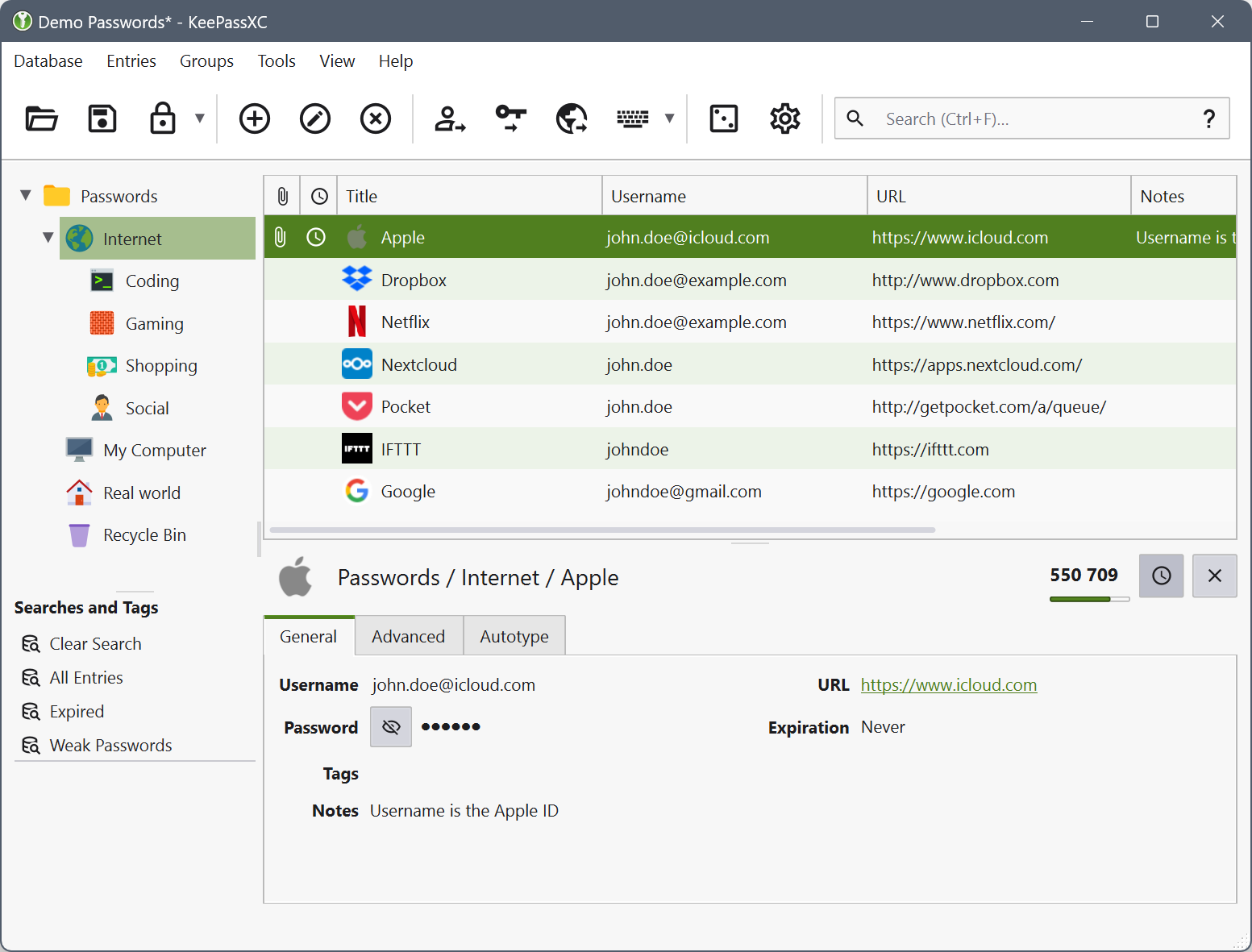
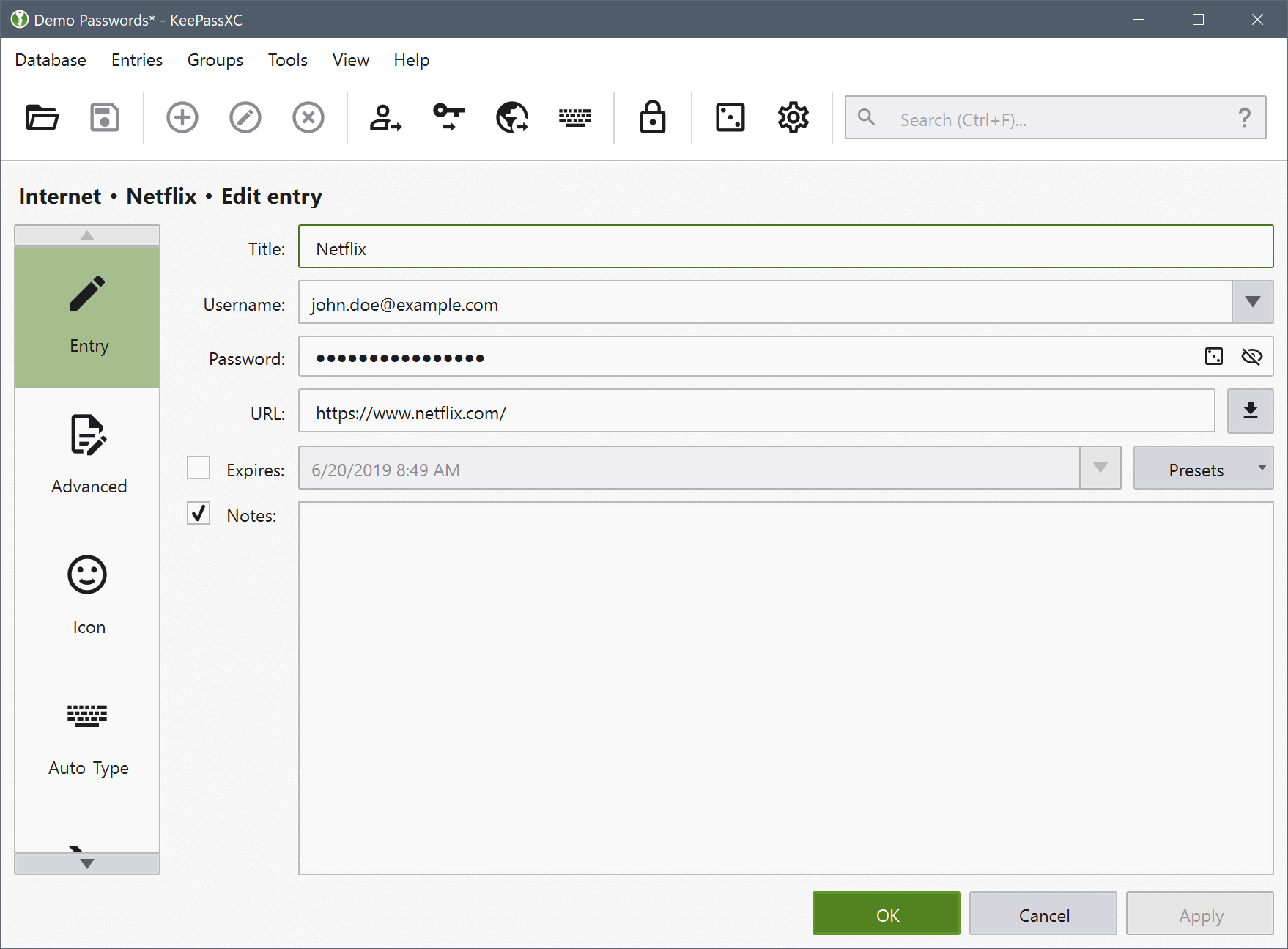
Entries can hold usernames, passwords, URLs, notes, custom attributes and file attachments. You can organise them in groups and search the whole database. The built-in password generator creates strong random passwords, so each account gets its own unique credential instead of a reused one.
Fill Logins Without Retyping
Auto-Type types your username and password into the window you are working in, using sequences you can customise for each entry. With the KeePassXC-Browser extension, the app can also fill logins directly in supported web browsers, and it asks for your approval before sharing an entry with a site. KeePassXC also supports passkeys through its browser integration, so you can keep them in the same database as your passwords.
Add Extra Protection
The database is unlocked with a master password, and a YubiKey or OnlyKey challenge-response key can be added as an extra factor. KeePassXC can generate time-based one-time codes for accounts that use two-factor authentication, so those codes sit next to the matching login. Developers can use the SSH agent integration to load SSH keys from the database when they are needed.
Share and Move Your Data
KeeShare lets you share a database with other people. Importing is straightforward if you are coming from another tool: KeePassXC can import CSV files, KeePass 1 databases and data from 1Password, Bitwarden and Proton Pass. It saves databases in the KDBX format, which is compatible with KeePass.
Things to Know Before You Switch
There is no built-in cloud sync, so you are responsible for how the database file moves between devices and for keeping backups. That is the price of full control. KeePassXC is also a separate project from the original KeePass, so check that the plugins or workflows you depend on have an equivalent before making the move.
Editorial note: this page was written from the official site and project documentation, without hands-on testing or an independent security review. The screenshots come from the official screenshots page, which does not state the version shown.
Key Features
Encrypted offline database
Your entries live in an encrypted file you control.
Cross-platform
Available for Windows, macOS and Linux.
Many entry types
Stores usernames, passwords, URLs, attachments and notes.
Auto-Type
Version 2.8.0 adds Auto-Type on Wayland for Linux.
Pros & Cons
Pros
- Free and open source (GPLv3)
- Data stays in a file you control
- Runs on Windows, macOS and Linux
- Active project: version 2.8.0 released on 21 October 2026
Cons
- No built-in cloud sync: you manage where the database file is stored
- Not the same program as KeePass, so databases and plugins should be checked before switching
Frequently Asked Questions
Is KeePassXC free?
Yes. It is free and open source under the GPLv3 licence.
Where are my passwords stored?
In an encrypted database file on your own storage, not on a KeePassXC server.
Which systems does it support?
Windows, macOS and Linux.
Screenshots