
Obsidian
Free Markdown note-taking app for your private notes
Download Now
Free for Windows, macOS, Linux, Android, iOS. No registration required.
One of over 130 tools we've selected. No paid listings.
How we review software →Screenshots

About Obsidian
Obsidian is a free note-taking app that turns a plain folder of Markdown files into a personal knowledge base. Your notes live on your own device, open quickly even offline, and stay readable in any text editor, so what you write today remains yours for the long term. It fits journaling, research, study notes, writing projects and anyone building a second brain.
Build a Web of Linked Notes
Links are at the heart of Obsidian. Connect any note to any other with a quick link, and the app tracks the relationship in both directions, so you can see which ideas point back to the one you are reading. Over time a pile of meeting notes, book highlights and stray thoughts becomes a personal Wikipedia you can wander through, from people and places to projects and half-formed ideas.
See Your Thinking Take Shape
The graph view draws your notes and their connections as an interactive map, revealing clusters and hidden patterns in your thinking. Canvas gives you an infinite space to research, brainstorm, diagram and lay out ideas side by side: drop in notes, images and links, then move them around until the shape of a project becomes clear.
Make It Work Your Way
Thousands of community plugins and themes let you shape Obsidian around your habits. Add a calendar with daily notes for journaling, kanban boards for projects, spaced repetition for studying, or task management for your to-do lists. You can start with the plain editor and adopt new pieces only when a real need appears.
Your Notes Stay Yours
Everything is stored locally in open file formats, with no account required and no telemetry collected, so you are never locked in. If you stop using Obsidian tomorrow, every note is still an ordinary file you can open elsewhere, and you can use the app without sharing any personal information at all.
Free, With Optional Paid Services
The app itself is free without limits and needs no sign-up, with apps for Windows, macOS, Linux, iOS and Android. It is proprietary software rather than open source, but development is user-supported: optional paid services add end-to-end encrypted synchronization across devices (Sync) and publishing notes to the web as a fast site (Publish), while Catalyst and Commercial licenses exist for those who want to fund the project.
Things to Know Before You Rely on It
Syncing notes between devices is not included for free: you either subscribe to Sync or arrange your own method with third-party tools. Community plugins are third-party code, so stick to popular, actively maintained ones. And because everything is plain local files, real-time collaboration is more limited than in cloud-first tools such as Notion.
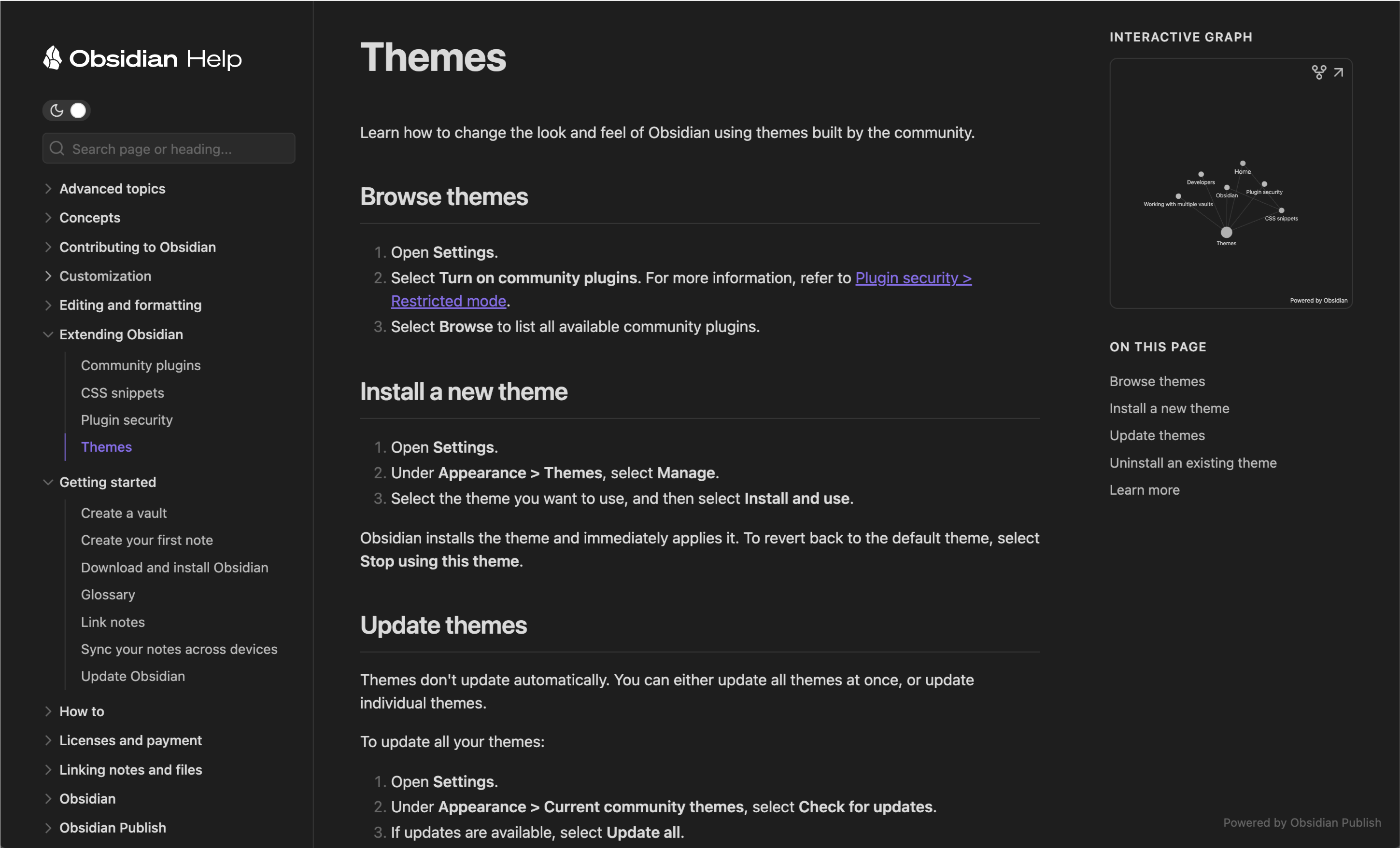
Editorial note: the first screenshot, "Screenshot of Obsidian Callouts" by DoULikeIce (CC BY-SA 4.0, via Wikimedia Commons), shows the Obsidian note renderer displaying callouts. The second image is an official example of the Obsidian Publish service, not the desktop app.
Key Features
Optional Sync
Paid add-on with end-to-end encryption and version history.
Optional Publish
Paid add-on to publish notes as a website.
Desktop and mobile
Apps for Windows, macOS, Linux, iOS and Android.
Pros & Cons
Pros
- Free core app with no sign-up
- Available on desktop and mobile
- Notes are Markdown files
- Optional paid services only if you want them
Cons
- Not open source
- Sync and Publish are paid add-ons
Frequently Asked Questions
Is Obsidian free?
The app is free without limits and needs no sign-up, according to the official pricing page. Sync and Publish are optional paid services.
Is Obsidian open source?
No. It is proprietary software that is free to use.
Which platforms does Obsidian support?
Windows, macOS, Linux, iOS and Android.
Screenshots