
OrcaSlicer
Precision-focused 3D slicing for makers who want more control
Download Now
Free for Windows, Linux, macOS. No registration required.
One of over 130 tools we've selected. No paid listings.
How we review software →Screenshots
About OrcaSlicer
OrcaSlicer is a free, open-source slicer for FFF and FDM 3D printers. It translates your 3D models into G-code that your printer understands, giving you full control over every aspect of the print process. The software has grown into one of the most widely used community-driven slicers, with support for many popular printer brands including Bambu Lab, Prusa, Creality, Voron, RatRig, VzBot, and more.
One of the reasons OrcaSlicer stands out is its built-in calibration toolkit. Instead of guessing ideal values, it includes dedicated tests for temperature, pressure advance, flow ratio, retraction, volumetric speed, tolerance, cornering, and input shaping. That makes it much easier to dial in a printer and filament combination without wasting time or material. If you print with several materials or maintain more than one machine, those tools pay for themselves quickly.
The software also offers a level of print control that power users appreciate. You can fine-tune layer height, line width, seam behavior, precision, wall generation, ironing, bridges, overhangs, infill, shell settings, acceleration, travel movement, and support behavior. OrcaSlicer's wiki is unusually detailed, which helps explain what the settings actually do instead of leaving users to search forums for every advanced option. That depth is one of its biggest strengths when compared with slicers that feel easier at first but become limiting later.
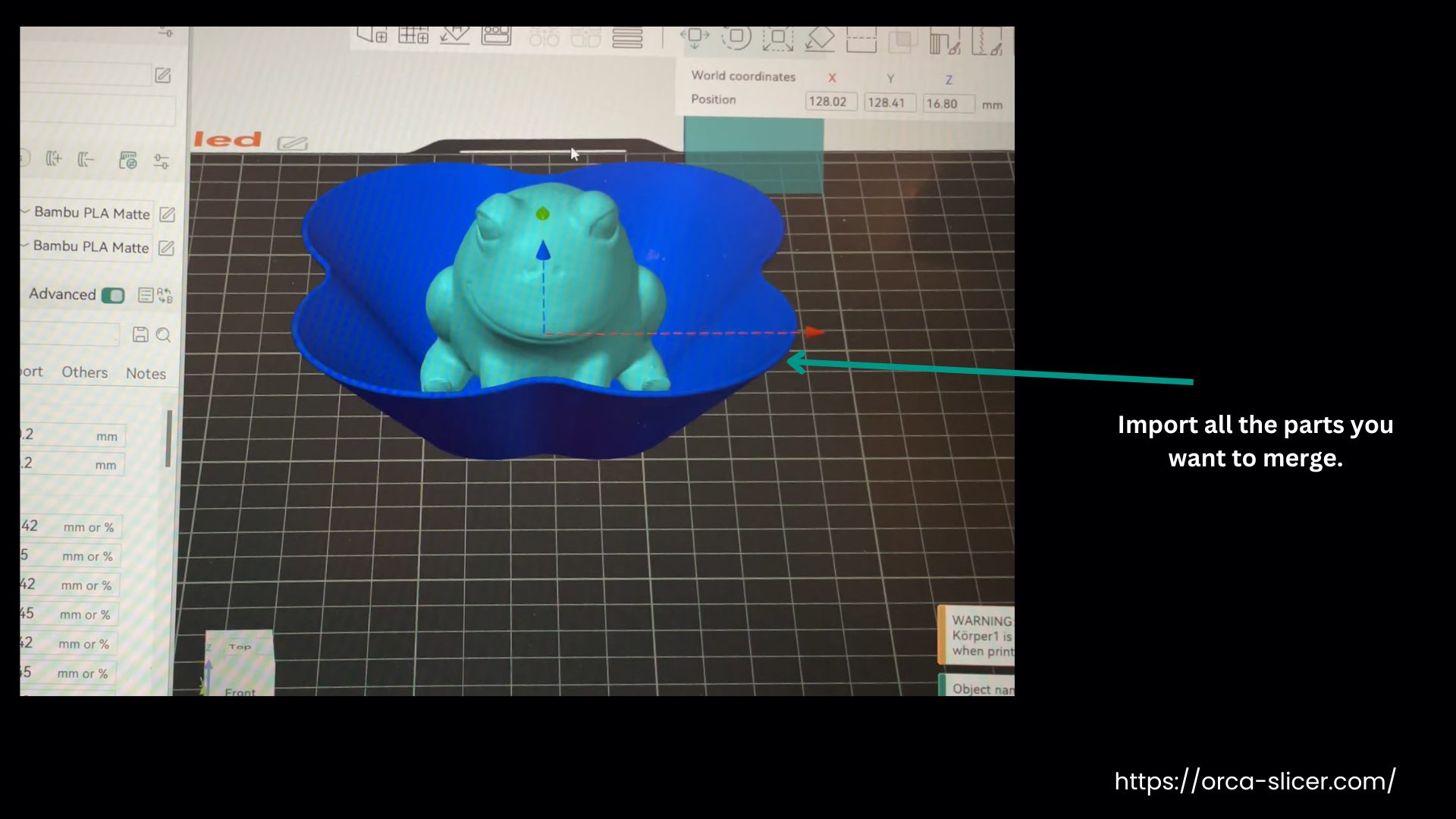
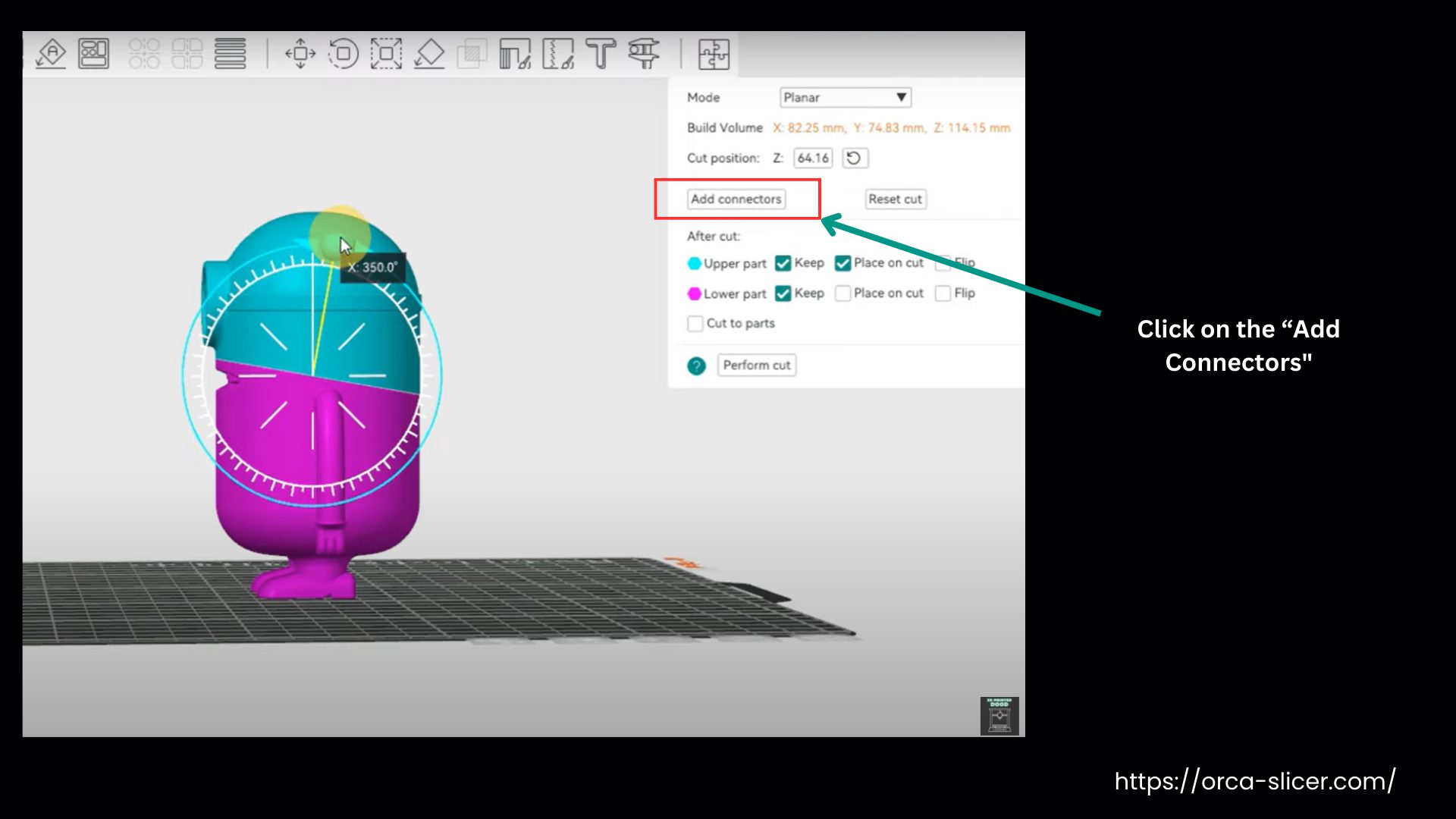
For day-to-day use, OrcaSlicer keeps the workflow approachable. It supports drag-and-drop model import, auto arrange, auto orient, plate management, variable layer height, object manipulation, cutting tools, support painting, seam painting, color painting, and assembly tools. The interface is practical rather than flashy, and the available printer presets make first setup less intimidating than older slicers that expected users to build every profile from scratch.
Another major advantage is compatibility. OrcaSlicer is not locked to one printer ecosystem, and it supports remote printing workflows with tools such as Klipper, PrusaLink, and OctoPrint. That flexibility matters if you run a mixed workshop, upgrade printers over time, or simply do not want your slicer tied to one hardware vendor. It also means the software can stay relevant even as your setup changes.
Because the project is open source and community driven, OrcaSlicer evolves quickly. The latest release page shows active development, including security fixes, Linux and Flatpak improvements, interface refinements, and features such as configurable wipe tower types, dynamic title bar behavior, and sidebar improvements. Fast development is good for users, though it can also mean occasional regressions or the need to read release notes before updating.
OrcaSlicer is a strong fit for makers who want a slicer that can start simple but scale with them. Beginners can rely on profiles and sensible defaults, while advanced users can go much deeper into calibration and process tuning. If your priority is extracting better prints, understanding why settings matter, and keeping wide printer compatibility, OrcaSlicer is one of the best free options available right now.
Key Features
Broad Printer Compatibility
Supports Bambu Lab, Prusa, Creality, Voron, RatRig, VzBot, and many more. Not locked to a single vendor ecosystem, with seamless integration for Klipper, PrusaLink, and OctoPrint.
Deep Print Control
Fine-tune layer height, seam behavior, infill, walls, supports, ironing, bridges, overhangs, and acceleration. Advanced settings with clear documentation make it easy to understand what each parameter does.
Smart Model Preparation
Drag-and-drop import, auto arrange, auto orient, plate management, variable layer height, cutting tools, support painting, seam painting, and assembly tools. A practical workflow that keeps the interface approachable for all skill levels.
Pros & Cons
Pros
- Excellent built-in calibration workflow
- Strong balance between usability and advanced controls
- Broad hardware compatibility across multiple printer brands
- Open source with active development and detailed wiki documentation
Cons
- Advanced settings can feel dense for complete beginners
- Fast release cadence means some users may prefer staying on stable builds only
- Some ecosystem-specific features (e.g., Bambu networking) are not fully free software
Frequently Asked Questions
What is OrcaSlicer?
OrcaSlicer is a free, open-source slicer for FFF/FDM 3D printers. It turns your 3D models into G-code that your printer can use. The software is community-driven, supports many printer brands, and is particularly known for its calibration tools and deep print control.
Is OrcaSlicer free?
Yes, OrcaSlicer is completely free and open source under the AGPL-3.0 license.
Which printers are supported by OrcaSlicer?
OrcaSlicer supports Bambu Lab, Prusa, Creality, Voron, RatRig, VzBot, and 50+ other printer brands. It is not tied to a single vendor ecosystem.
Screenshots