
Q-Dir
Quad-pane file explorer that revolutionizes Windows file management
Download Now
Free for Windows. No registration required.
One of over 130 tools we've selected. No paid listings.
How we review software →Screenshots
About Q-Dir
Q-Dir is a file management utility for Windows that offers a quad-pane interface for viewing and managing multiple folders simultaneously. During our testing, we found this approach to be practical for users who regularly work with files across different directories.
Interface and Layout
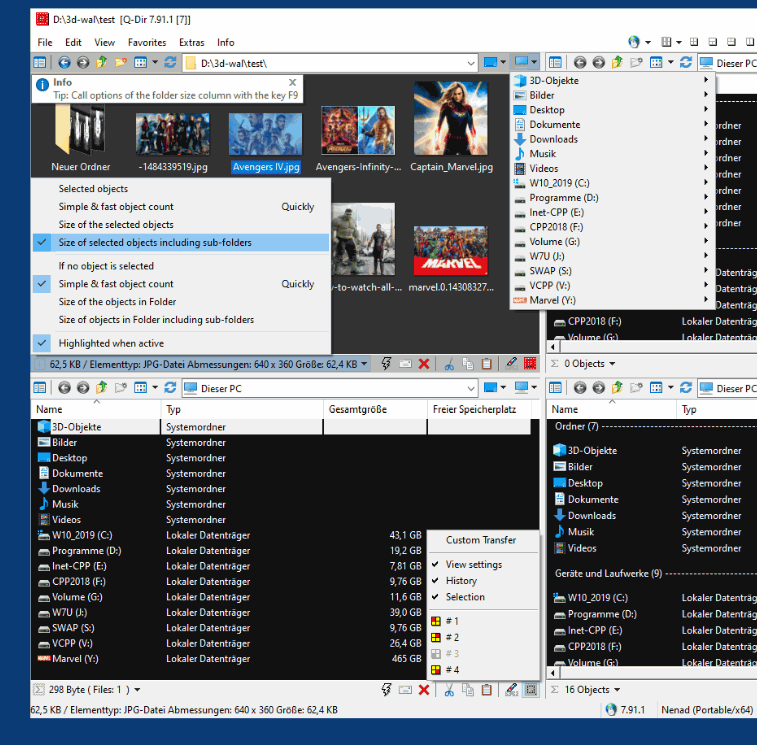
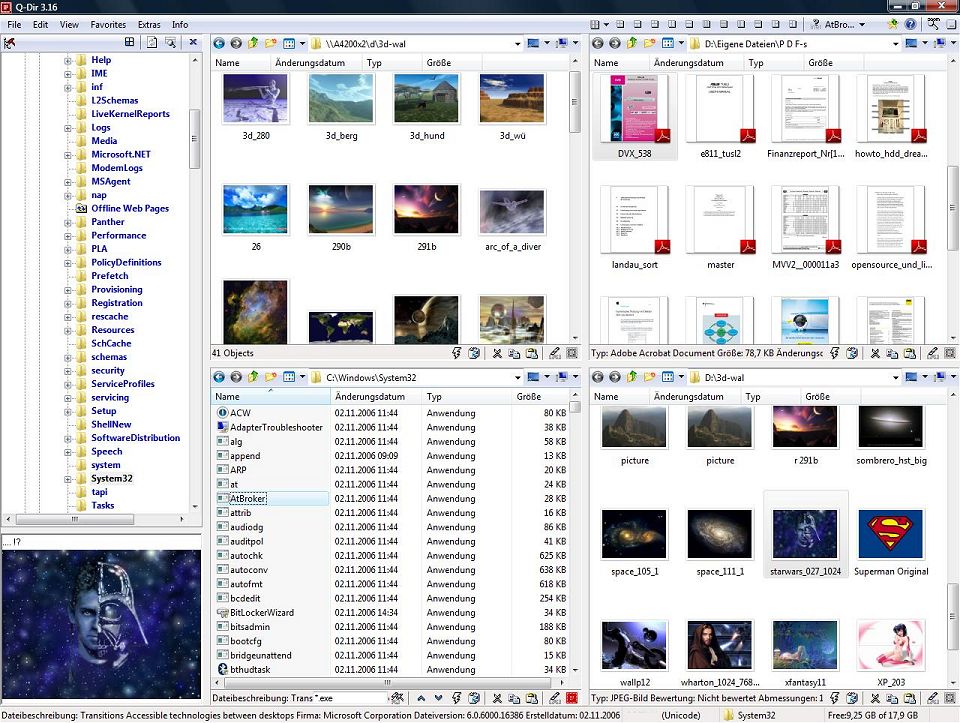
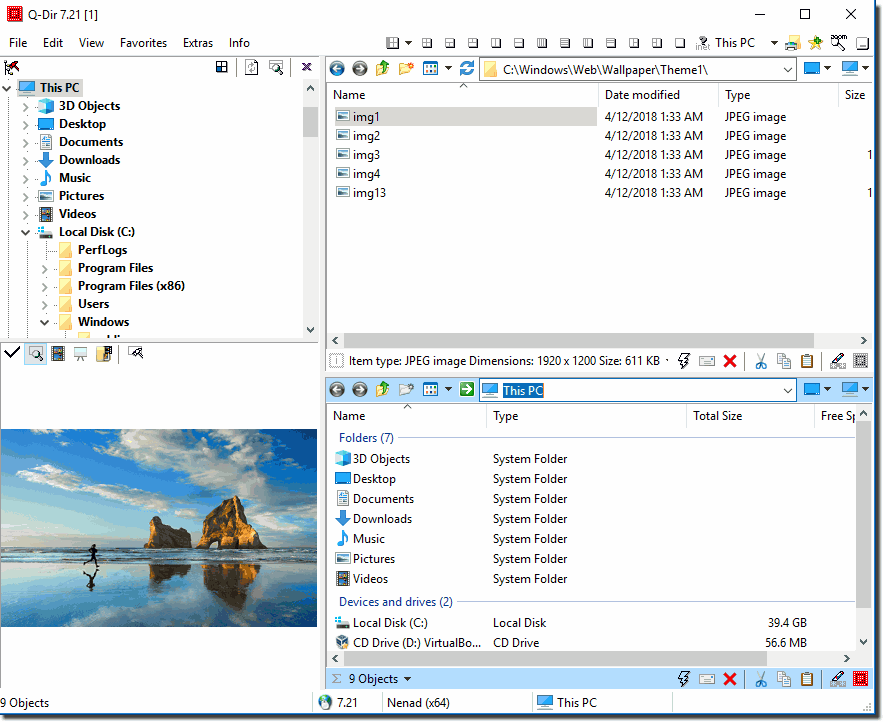
The program displays four separate explorer windows within a single interface by default. Each pane can be independently navigated, and the layout can be adjusted to show different configurations (such as two or three panes instead of four). This design allows users to drag and drop files between locations without switching windows or opening multiple instances of File Explorer.
Each pane supports tabbed browsing, meaning you can open additional folders within tabs in any of the four panes. We tested this feature with up to 10 tabs per pane and found it handled file operations smoothly.
File Management Features
Q-Dir includes standard Windows Explorer functionality like copy, move, delete, and rename operations. During testing, we noted several additional features:
- Color-coded file filtering that highlights files by type
- A preview pane for quick file viewing without opening applications
- Built-in file search functionality
- Support for FTP connections and ZIP file browsing
- Customizable folder favorites for quick access
The drag-and-drop functionality worked reliably in our tests across all four panes.
Performance and Resource Usage
The application is notably small at approximately 2 MB. In our testing on Windows 10 and 11, Q-Dir consumed minimal RAM (typically under 50 MB) even with multiple folders and tabs open. The program launched quickly and file operations performed at speeds comparable to Windows Explorer.
Portability
Q-Dir offers both installed and portable versions. The portable version runs directly from a USB drive without installation, which we verified works correctly. Settings are saved to INI files in the program directory.
Limitations
The software is Windows-only and does not support macOS or Linux. The interface, while functional, has a utilitarian design that may feel dated compared to modern file managers. Some advanced users might find the configuration options overwhelming initially.
Use Cases
Based on our testing, Q-Dir appears well-suited for users who:
- Frequently organize files between multiple folders
- Work with large numbers of directories
- Need a lightweight alternative to Windows Explorer
- Prefer portable software that requires no installation
The quad-pane view proved most useful when sorting downloads, organizing photo libraries, or managing project files across different directories.
Q-Dir is freeware with no advertisements or premium features. The program receives regular updates from the developer.
Key Features
Quad-Pane Interface
View and manage up to four different folders simultaneously in customizable layouts, enhancing multitasking efficiency
Pros & Cons
Pros
- Portable version available with no installation required
Cons
- Windows-only application, not available for macOS or Linux
Frequently Asked Questions
Is Q-Dir completely free to use?
Yes, Q-Dir is completely free freeware with no hidden costs, advertisements, or premium features. You can use all its features without any limitations.
Screenshots