
RustDesk
Open-source remote desktop software for seamless cross-platform access
Download Now
Free for Windows, macOS, Linux, Android, iOS. No registration required.
One of over 130 tools we've selected. No paid listings.
How we review software →Screenshots
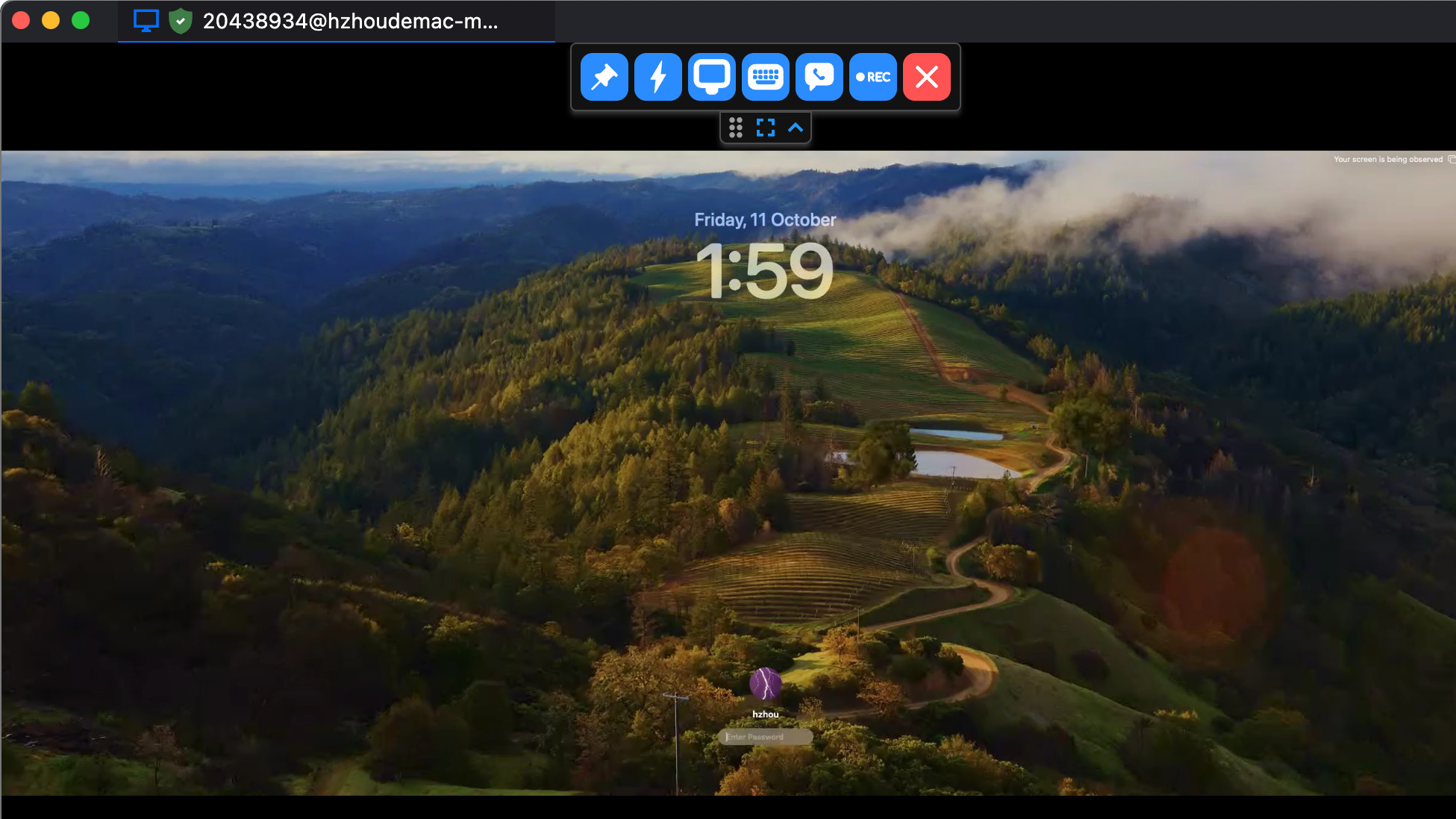
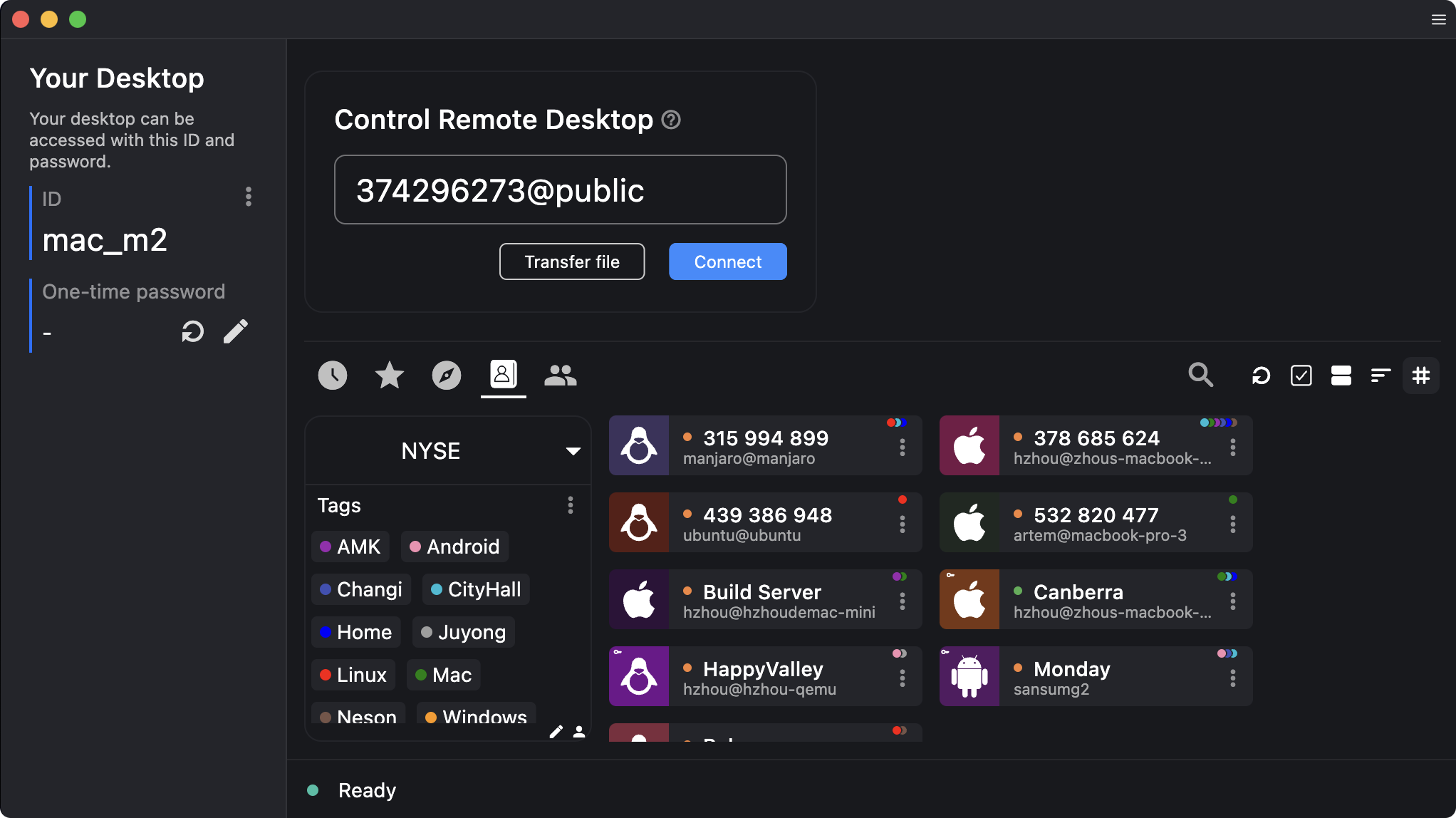
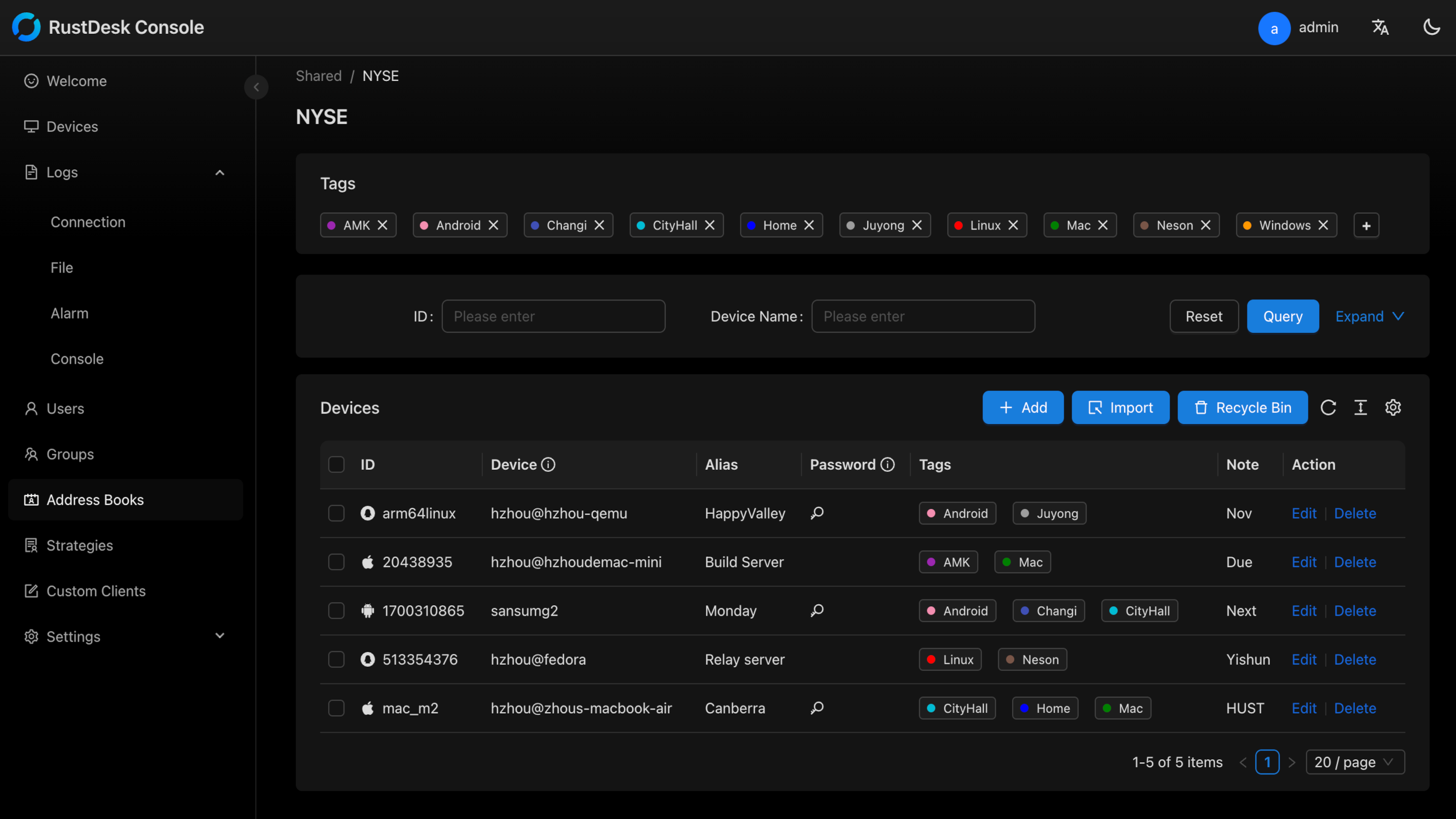
About RustDesk
RustDesk is a powerful, open-source remote desktop application that provides secure and efficient remote access across multiple platforms. Built with modern technology and designed with user privacy in mind, RustDesk offers a compelling alternative to proprietary remote desktop solutions.
Why Choose RustDesk?
In today's interconnected world, having reliable remote access to your computers is essential. Whether you're providing technical support, accessing your work computer from home, or managing multiple systems, RustDesk delivers a seamless experience without compromising on security or performance.
Self-Hosted Freedom
One of RustDesk's standout features is its self-hosting capability. Unlike cloud-dependent alternatives, you can deploy your own RustDesk server, giving you complete control over your data and connections. This ensures maximum privacy and eliminates concerns about third-party data handling.
Cross-Platform Excellence
RustDesk works flawlessly across Windows, macOS, Linux, Android, and iOS platforms. This universal compatibility means you can access any device from any other device, making it incredibly versatile for both personal and professional use.
Security First
Security is at the core of RustDesk's design. The software uses end-to-end encryption to protect your remote sessions, ensuring that your data remains confidential. With regular security updates and an active open-source community reviewing the code, you can trust RustDesk to keep your connections secure.
Performance and Reliability
RustDesk is built using Rust programming language, known for its performance and memory safety. This translates to smooth, responsive remote desktop sessions with minimal lag, even over slower internet connections. The software includes adaptive bitrate streaming and optimized protocols to ensure the best possible experience.
User-Friendly Interface
Despite its powerful features, RustDesk maintains a clean and intuitive interface. Connection setup is straightforward, and the software includes helpful features like file transfer, clipboard synchronization, and multi-monitor support, making remote work efficient and productive.
Key Features
Self-Hosted Server Option
Deploy your own RustDesk server for complete control over your remote access infrastructure and maximum data privacy
Pros & Cons
Pros
- Completely free and open-source
- Works on all major platforms
- End-to-end encryption for secure connections
Cons
- Requires technical knowledge for server setup
- Mobile apps have fewer features than desktop versions
Frequently Asked Questions
Is RustDesk really free?
Yes, RustDesk is completely free and open-source software. You can use it without any cost, and there are no hidden fees or premium versions. The source code is publicly available on GitHub under the GPL-3.0 license.
Screenshots