
Stacher7
Modern cross‑platform GUI for yt‑dlp to download and manage online video and audio with profiles, queues, and advanced options.
Download Now
Free for Windows, macOS, Linux. No registration required.
One of over 130 tools we've selected. No paid listings.
How we review software →Screenshots
About Stacher7
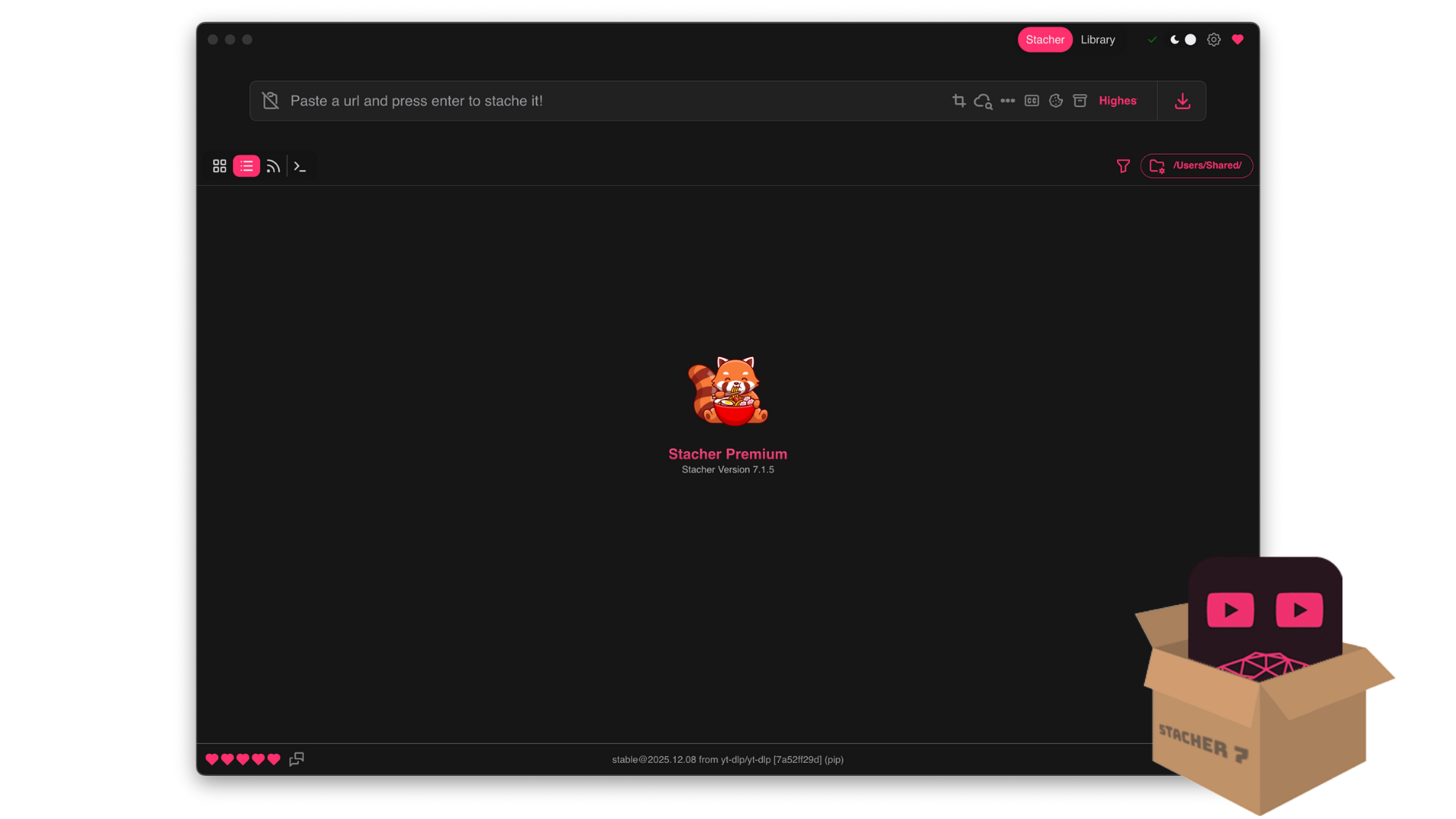
Stacher7 is a desktop application that provides a clean graphical interface on top of yt‑dlp, the widely used command‑line downloader for online video and audio platforms. Instead of working with complex terminal commands, users can manage their downloads from a structured window with clear controls, progress indicators, and status messages. The tool targets people who want the flexibility of yt‑dlp without having to learn all of its syntax and parameters.
The application organizes downloads into queues, allowing multiple jobs to run in parallel or in sequence, depending on user preferences. Users can paste individual URLs, playlists, or channels, then choose the desired output format and quality before starting the process. Stacher7 handles the communication with yt‑dlp in the background, including the retrieval of metadata, formats, and available resolutions.
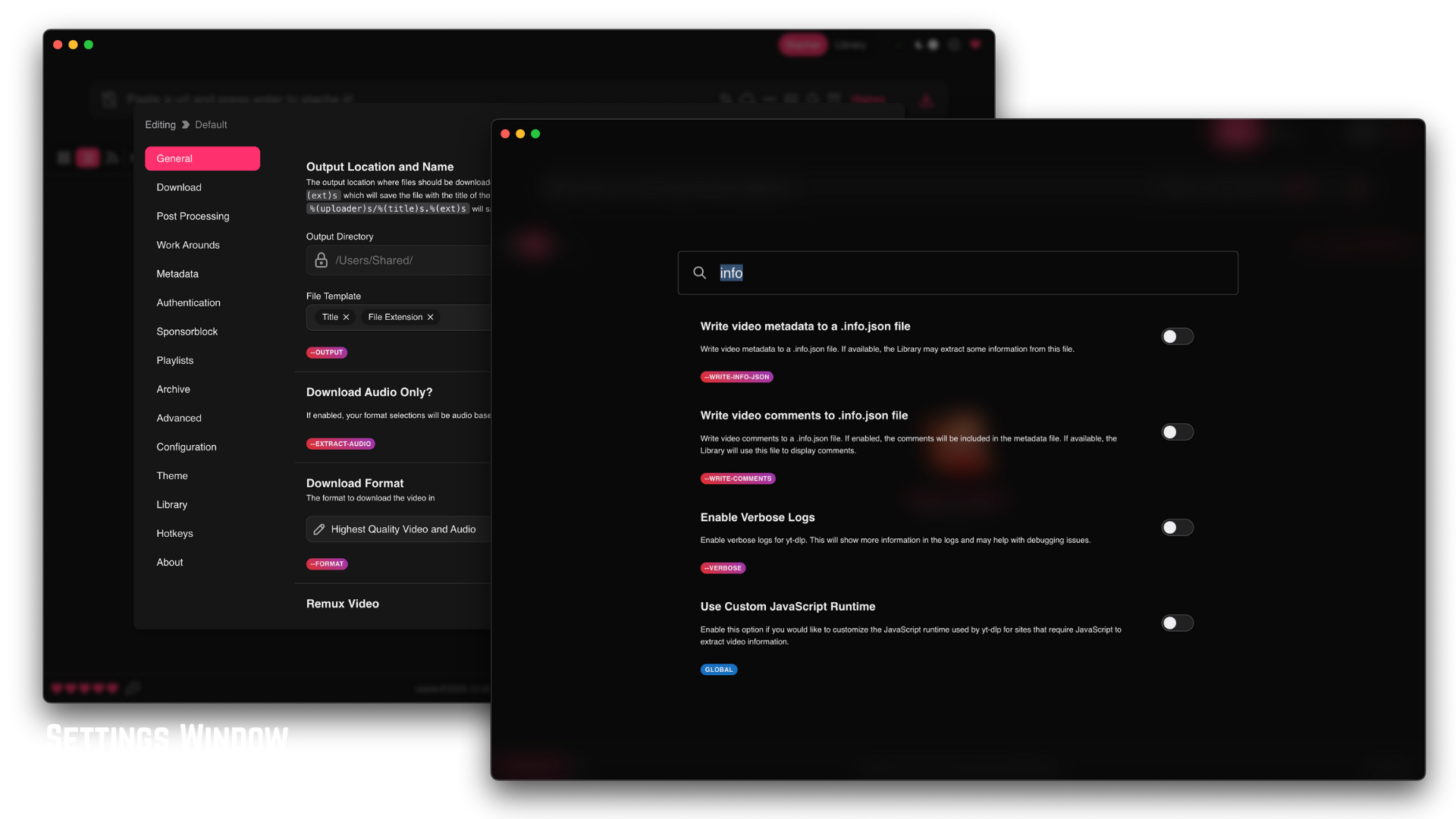
One of the core ideas of Stacher7 is the use of profiles and configurations. A configuration can hold preferred formats, output templates, post‑processing rules, and other yt‑dlp options that are often reused. This approach makes it simpler to switch between common scenarios, such as “best video with audio”, “audio‑only extraction”, or “archiving with maximum quality”. The configuration system is exposed through a settings window that groups options into logical sections to remain approachable even when advanced flags are involved.
Stacher7 is available for Windows, macOS (both Intel and Apple Silicon), and Linux, with ready‑made builds that bundle the necessary runtime components. On first launch, the application can automatically install yt‑dlp if it is not already present, and in many cases it can also help with detecting or installing ffmpeg for conversion tasks. This reduces the amount of manual setup normally required when assembling a full command‑line toolchain.
The project is maintained under the StacherIO name and has an active user community that shares feedback and reports issues through online forums. For users who regularly download media and want a balance between power and convenience, Stacher7 is positioned as a practical option that builds on yt‑dlp rather than trying to replace it.
Pros & Cons
Pros
- Simple interface compared with raw command‑line yt‑dlp usage.
- Configuration profiles save time for repetitive download tasks
- Available on all major desktop operating systems.
- Helps users detect missing ffmpeg and guides installation.
Cons
- Closed‑source freeware; source code is not available for review.
- Depends heavily on yt‑dlp and ffmpeg, which still require some understanding for advanced use.
- Installer paths and automatic updates may not satisfy users who prefer fully portable setups.
Frequently Asked Questions
Is Stacher7 free to use?
Yes, Stacher7 is distributed as freeware and can be used without paying a license fee.
Does Stacher7 support audio‑only downloads?
Yes, users can configure profiles to extract audio‑only files using yt‑dlp and ffmpeg
Which platforms are supported?
Stacher7 provides builds for Windows, macOS (Intel and Apple Silicon), and Linux 64‑bit systems
Quick Info
Screenshots