Animdock Tools: Media Jobs in Your Browser
- browser-tools
- video
- privacy
There is a special kind of irritation reserved for websites that ask you to create an account before converting one image. I came for a JPG, not a long-term relationship.
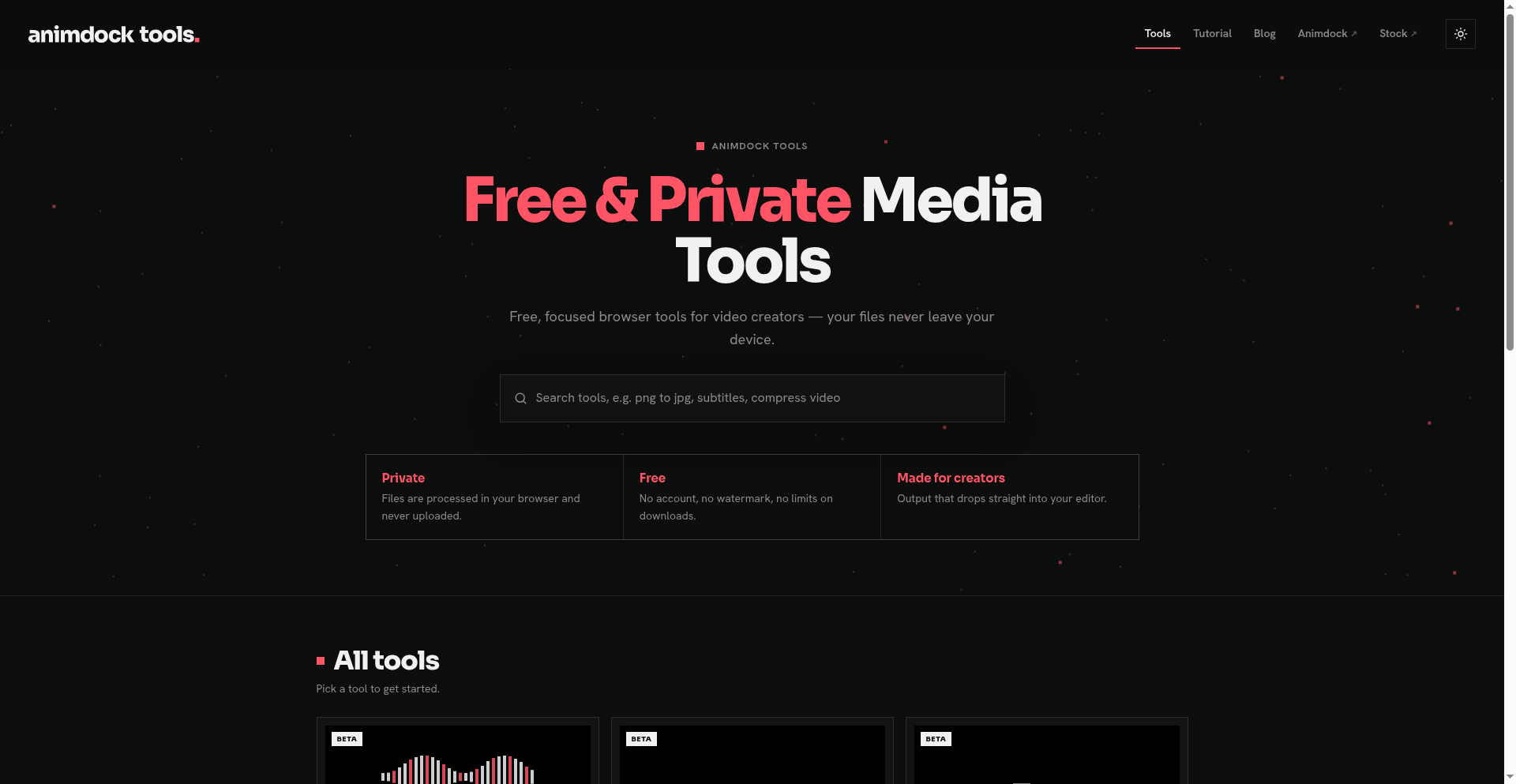
Animdock Tools caught my attention because its pitch goes in the opposite direction: seven small media tools, free to use, with no account or watermark. The publisher says the files are processed inside the browser rather than uploaded to a server. That is a much more interesting starting point than another subscription button.
A toolbox, not another editing suite
The idea is fairly simple. Open the tool for the job in front of you: make subtitles, convert an image, shrink a file, remove a background, change a video's format, resize a clip or extract a frame. There is no project dashboard to organise before you can begin.
I like that separation. If a newsletter needs a JPG instead of a WebP, opening a full editing application can feel like bringing a moving truck to collect a sandwich. Here, the image converter offers PNG, JPG, WebP, AVIF and PDF output, with quality and transparency controls. It also accepts HEIC images and supports batches.
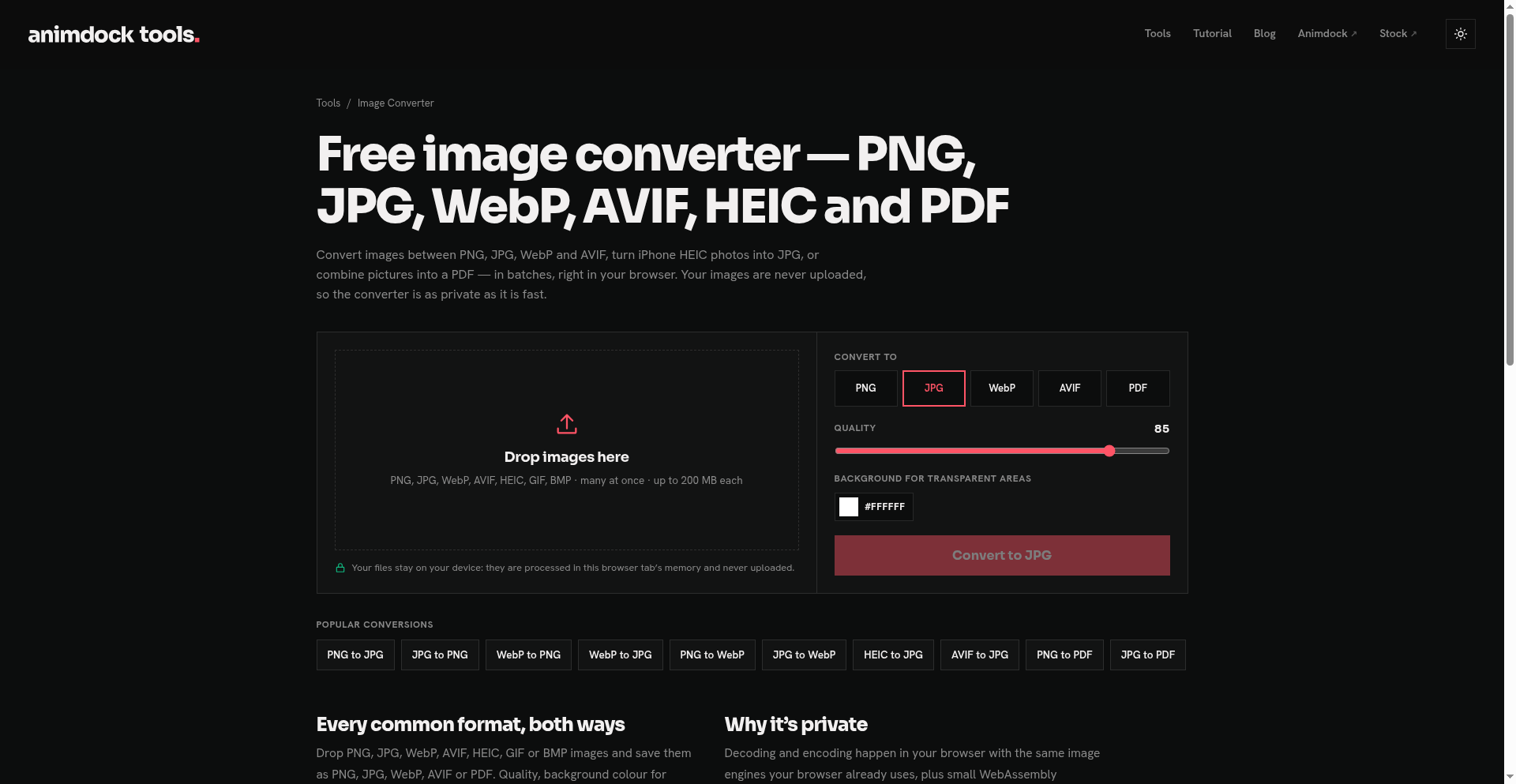
Image converter interface. Screenshot: Freewares.org; interface: Animdock.
The other image tools cover compression and resizing, including social-media presets, plus background removal. On the video side, the converter handles common containers and can extract audio or make a GIF. The separate resizer is where resolution, aspect ratio, bitrate and target size belong. The frame extractor handles still images and batch capture to ZIP.
Subtitles are the tempting part
The Audio to SRT tool is the one I would look at first for short clips. According to Animdock's launch announcement, it supports speech recognition in 99 languages, automatic language detection and SRT, VTT or TXT export.
The actual interface offers vertical, horizontal and per-word caption templates, a maximum word count, and Fast or Accurate quality modes. That is useful control over how captions are broken up, rather than one enormous sentence arriving on screen like a legal disclaimer.
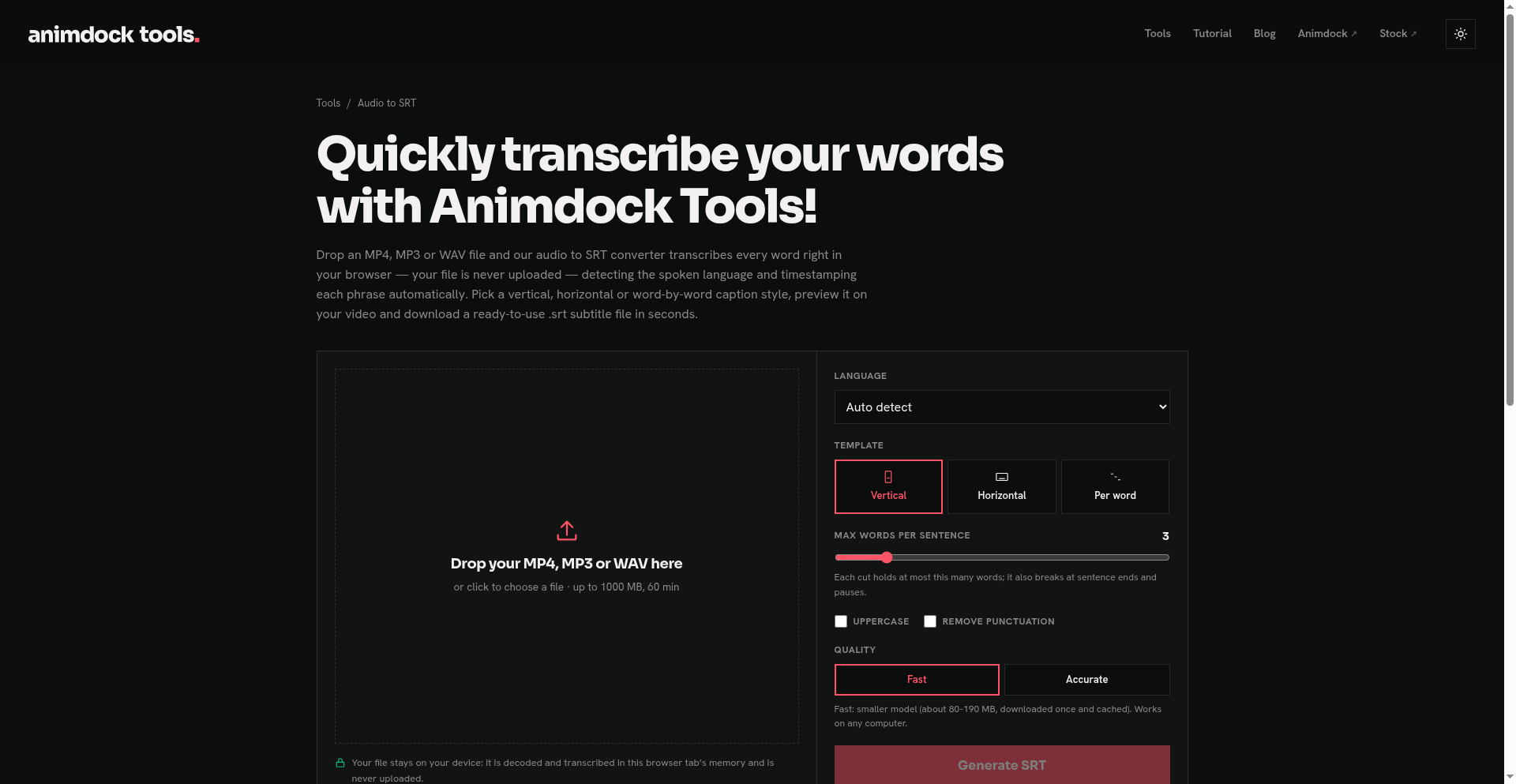
Subtitle settings before importing a file. Screenshot: Freewares.org; interface: Animdock.
There is a download to account for: the speech model is fetched and cached by the browser. Fast mode currently advertises roughly 80–190 MB. Local processing does not mean the website never needs an internet connection, and automatic captions still deserve a spelling and timing check before publication.
Free does not mean without practical limits
All seven tools are marked beta on the homepage. The free offer currently means no account, no watermark and no limit on downloads, according to the publisher. It does not mean every input is unlimited: the image converter shows 200 MB per image, Audio to SRT shows 1,000 MB and 60 minutes, and the video converter shows 4,000 MB.
Animdock says its video converter uses WebCodecs and hardware encoding. Its documentation recommends recent Chrome, Edge or Firefox, with Safari supporting most conversions. I would start with a small, disposable sample on the browser and device I actually plan to use. Those format lists are not a promise that every possible codec combination will behave identically.
The privacy pitch also needs the right boundaries. Processing media locally is the publisher's claim, not an independent security audit. I inspected the interfaces and documentation for this discovery; I have not benchmarked exports, tested transcription accuracy or audited network traffic. For confidential client footage, that distinction matters.
Worth a bookmark
My take: Animdock Tools makes sense as a collection of quick helpers alongside an existing editor. The appeal is doing one small job without an installation or account ceremony, not replacing an entire video workflow.
Start with a non-sensitive file, check the output, and keep your original. If the beta behaves on your setup, this is exactly the sort of practical bookmark that earns its place.
Sources: official launch announcement and video converter documentation. Features and free access checked on November 8, 2026. Cover: Animdock Tools homepage, captured by Freewares.org.