RadarMakers Tools: Free Browser Utilities for Launch-Day Checks
- web tools
A launch page can look finished right up until the moment you paste its link somewhere else. The title is fine in your editor, but a chat app picks the wrong image. The page works, but your campaign links all report the same plain visit. Your logo is ready, but the browser tab still shows a blurry default icon.
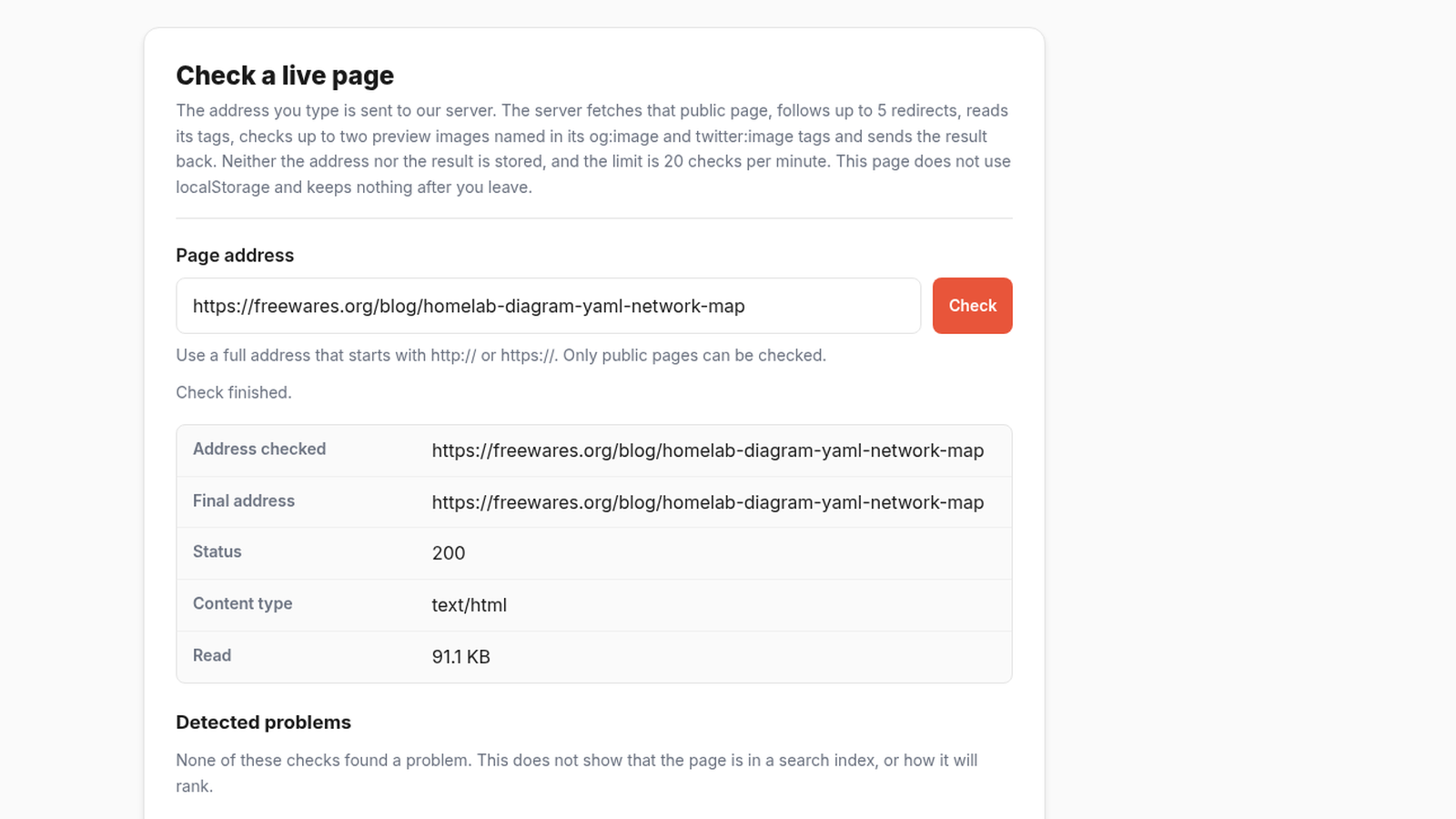
RadarMakers Tools is a small collection of free utilities for those last practical checks. I found eight tools on its resources page, and tried four of them on Freewares pages and assets. Six are presented as running in the browser without an account. The meta tag and social card checkers work differently: you give them a public URL, and their server fetches that page to inspect it.
That distinction is worth knowing before you use the collection. The browser-local claim comes from RadarMakers' own tool pages; I did not audit network traffic or storage. A URL checker should get a page that is already public.
Check the tags people will actually see
On November 14, 2026, I started with the meta tag preview and pointed it at one of our published Freewares articles. The checker fetched the page successfully and reported no missing required tags. It showed the title and description lengths, confirmed the canonical URL, and displayed a preview of how the result could appear in search.
The social card preview gave a more useful second opinion. It confirmed that the page had an Open Graph image and a Twitter image, then flagged two details from that page on that date: the page did not expose an og:url tag, and the Open Graph image and Twitter image pointed to different files. Neither warning broke the preview. They were exactly the kind of small metadata mismatch that is easy to miss when you are checking a page in a CMS.
Those results belong to the tested page and trial date. They are not proof of a current site-wide problem, and this is not a site audit tool. It should not be treated as proof that every social network will render a card the same way. It is a quick checkpoint before or after publishing, especially when you change a cover image, title, description, or canonical URL.
Build campaign links without a spreadsheet formula
RadarMakers says the UTM builder runs in the browser. In our run, results appeared without an account prompt; that does not verify whether data was transmitted or retained. We did not audit network traffic or storage.
I loaded the tool's fictional example, and it generated four tracked links from one destination address and four selected channels. The output included ready-to-copy URLs such as a social-post link with utm_source=social-post, utm_medium=social, and a cleaned campaign name. The page also offered a CSV campaign sheet, individual copy buttons, and a share-result option we did not exercise, so its mechanism is unverified.
The useful part is not that UTM parameters are hard to write. They are not. The useful part is consistency. If one teammate writes social, another writes social_post, and a third forgets the campaign name, the analytics report becomes harder to read than it needs to be. A small builder that standardizes source, medium, and campaign values can prevent that mess.
RadarMakers says the tool accepts up to 50 destination URLs and 500 generated links. I only tested the built-in example, not a large CSV import, so I cannot vouch for the upper limits.
Turn one logo into a favicon package
The favicon package builder was the most visual tool I tried. I selected our own 1600 by 900 test cover image, entered an app name, and the page generated real-size previews for small icons. It showed how the image would shrink to 16 pixels, with a larger inspection view beside it. It also offered padding, background, theme color, and manifest settings, plus a ZIP package download. We did not download or inspect the package.
The preview is the reason to use it. A wide image that looks fine as a blog cover can become an unreadable dark rectangle at favicon size. Seeing that before generating the files is much better than discovering it in a browser tab later. The tool does not design a logo; it previews the fit at true sizes and offers a ZIP package download.
A handy shelf, not a launch platform
RadarMakers Tools will not replace analytics, a design system, or a full SEO audit. Its value is narrower: quick checks and exports for jobs that are easy to postpone because each one feels too small to set up properly.
For a maker publishing a page, announcing it in a few places, and trying not to leave broken previews behind, that is enough. Use the meta and social checkers on public URLs, and treat the results as a dated check rather than a permanent guarantee.
The collection is free, easy to try, and practical in the way small web tools should be. It does one job at a time, shows the result clearly, and gets out of the way.
RadarMakers Tools is free to use on its resources page. See our RadarMakers Tools software listing for the full technical sheet.
Cover: Freewares test capture of the RadarMakers meta tag preview.