Upscayl: Give Your Images a Second Life
Everyone has one: a folder of old photos from a phone that retired in 2014, a meme saved at postage-stamp size, a product shot the supplier only had as a thumbnail. Upscayl promises to fix that with AI, for free, offline, and without uploading your images to anyone's cloud. We took the official Linux build for a spin to see where the magic ends and the fine print begins.
What Upscayl is
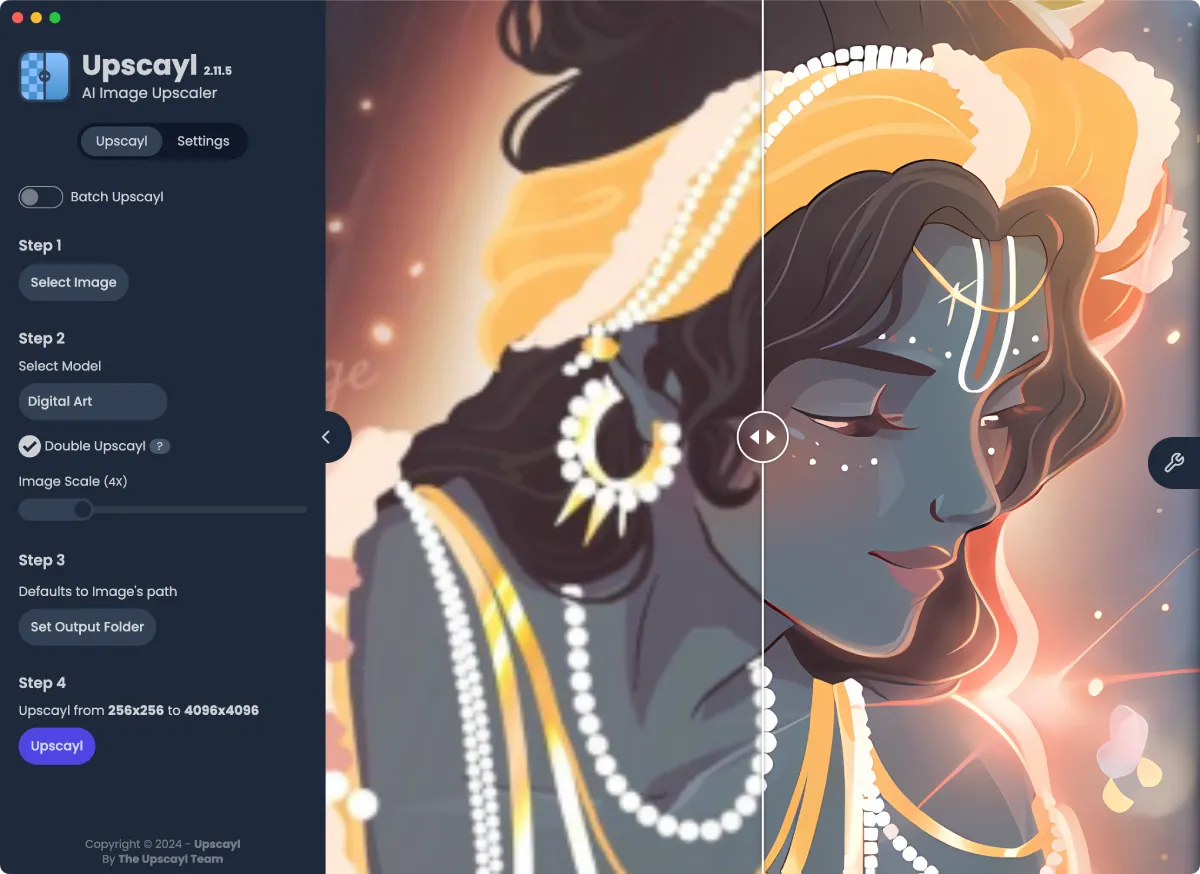
Upscayl is a free, open-source (AGPL-3.0) desktop app for Windows, macOS, and Linux that enlarges images with AI models from the Real-ESRGAN family. The flow is refreshingly simple: pick an image, pick a model, pick a scale, hit the button. Batch mode chews through whole folders. The project has passed 50,000 GitHub stars, and the Windows installer of the current release alone has been downloaded more than 11 million times.
Everything runs locally: no account, no upload, no watermark. In an era where every "free" online tool wants your email address first, that deserves some respect.
The catch: it really wants a GPU
Here is the fine print, straight from the project's own FAQ: you need a Vulkan-compatible GPU, and most integrated graphics and plain CPUs need not apply. "No harm in trying," the docs add, with the confidence of a project that knows exactly what your old laptop is about to go through.
Our test: no GPU, no mercy
We tried anyway, on purpose. Using the official v2.15.0 build, we skipped the desktop interface and drove its command-line engine, the same upscaling core the interface uses, on a machine with no graphics card at all: software Vulkan standing in for the missing hardware. One caveat before the results: this proves the engine can run without a GPU, slowly. It says nothing about how the full desktop app behaves in that situation, which we did not test.
The input was deliberately rude: a 160x100 JPEG, crunchy with compression artifacts. Upscayl chewed on it for about a minute and handed back a 640x400 PNG using the bundled Ultramix Balanced model.
The result honestly surprised us. Large text and shapes came back crisp and clean, far beyond a simple resize. But the small caption line, barely legible in the original, was "reconstructed" into confident gibberish. The AI did not recover those letters; it invented new ones. On this sample at least: what the model recognized, it sharpened beautifully; what it could not read, it made up.
Two more notes from the engine room. A full minute for a postage-stamp image tells you the GPU requirement is real, not marketing. And a quirk of the command-line tool: when we asked for a model that does not exist, it still proudly reported "Upscayled Successfully!" while writing nonsense. Trust the output, not the exit code.
Developer promises vs. what we saw
Advertised: upscaling up to 16x, faster than ever. Plausible on a real GPU; unverifiable on our deliberately handicapped setup.
Verified: the promised model lineup (Ultramix Balanced, Ultrasharp, Remacri, Digital Art, High Fidelity) really ships with the app.
Verified: the privacy pitch. The engine ran fully offline, no account, nothing uploaded.
Admitted by the developers: it cannot rescue an out-of-focus photo. De-blurring is a different job, and one we did not test.
The state of the project
One honest caveat: the latest stable desktop release, v2.15.0, dates from December 2024. The code is still alive, with commits landing as recently as this month, but the team's attention has visibly shifted to its paid cloud version. What you download today is mature and complete; just don't expect a rapid release schedule.
Verdict
If you have a Vulkan-capable GPU and a folder of too-small images, Upscayl is an easy recommendation: local, private, and genuinely impressive on pictures that merely lack resolution. Keep expectations calibrated: it guesses missing detail, sometimes inventively. For everything already saved too small, Upscayl earns its place.
Sources: https://github.com/upscayl/upscayl and https://upscayl.org