FFmpeg 9.1 Brings an AAC Refresh and GPU Frame Interpolation
- FFmpeg
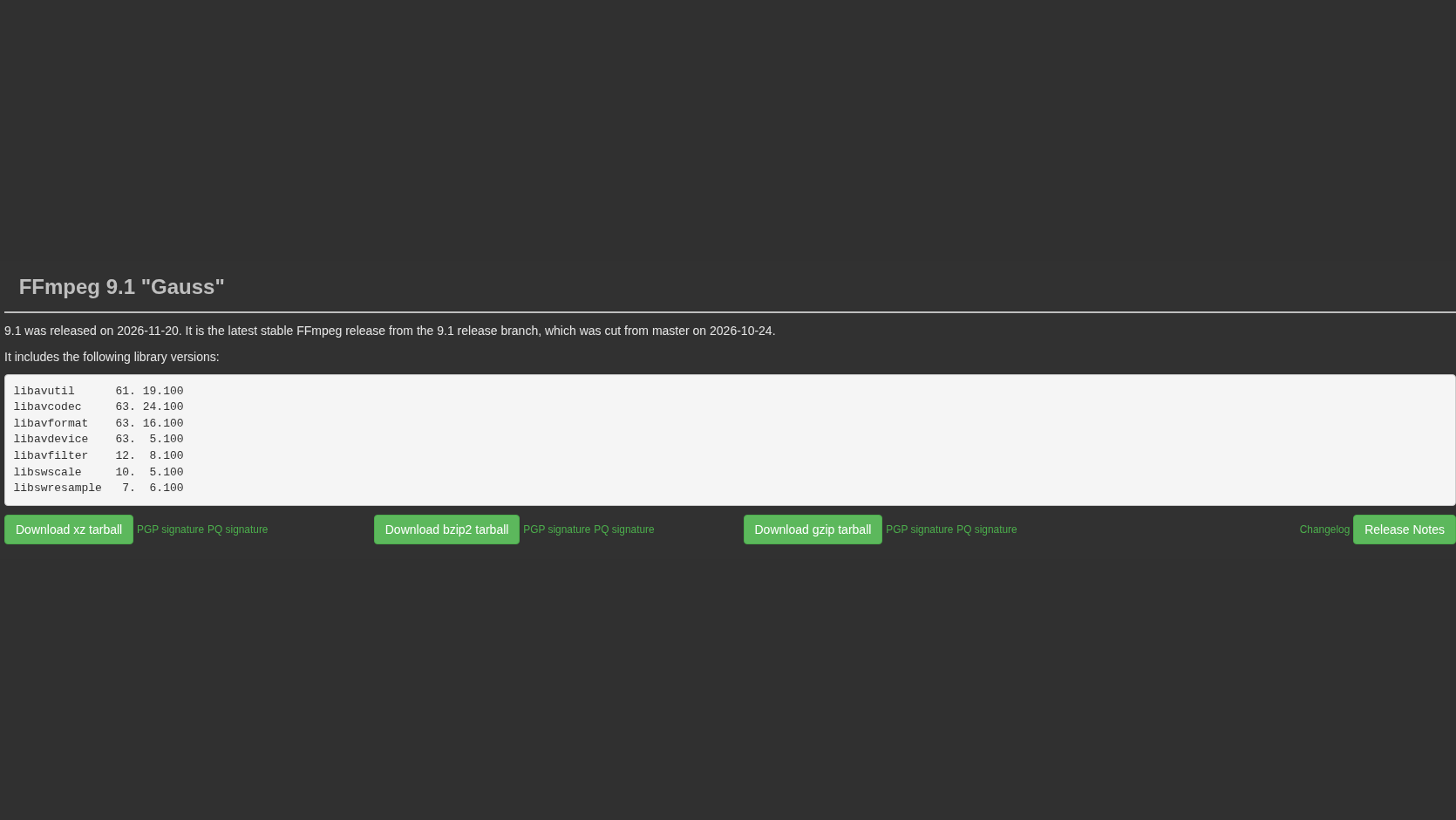
FFmpeg is one of those free-software projects whose updates can matter even if you never type its name. The multimedia toolkit records, converts and processes audio and video, and version 9.1, "Gauss", brings a substantial audio refresh alongside new GPU-assisted video tools.
The project's download page dates the release to November 20. The 9.1 changelog is the useful starting point: this is more than a maintenance patch, but it is not a promise that every video app on your computer just gained the same features.
AAC audio gets attention
The native AAC encoder is listed as "extensively improved". That is relevant to a much more ordinary job than an exotic codec demo: making the audio track for a video or exporting an audio file. The release also adds xHE-AAC encoding through the separate libfdk-xhe-aac library. Those are two distinct entries, not a claim that the native encoder now covers every AAC variation.
There is more for people working with less common material: DVD-Audio LPCM decoding and demuxing, a DSD encoder, and a Panasonic RW2 image decoder all appear in the new release.
New frames, with GPU help
On the video side, FFmpeg gains an NVIDIA optical-flow-accelerated interpolation filter, fruc_vulkan. It is a tool for creating intermediate frames, rather than recovering original frames that a camera never recorded. The release also adds a Vulkan encoder for Advanced Professional Video (APV), an AMF Video Quality Enhancer filter, and further NVIDIA decoding support.
Phoronix and Linuxiac both cover these additions. The practical detail is the build and hardware: a GPU-specific filter in the source tree does not mean it is available in every packaged FFmpeg download, or on every graphics card.
Check the app you actually use
FFmpeg's own site provides source code and links to compiled packages for Windows, macOS and Linux. If you use the command-line tool, check which version and features your chosen build includes. If you use an editor or converter that bundles FFmpeg, look to that application's update notes instead. Installing a separate copy is not the same as updating the copy inside another program.
For free multimedia software, that is the interesting part of this release: stronger audio encoding work and more processing options for applications to adopt. The benefits reach users when the right build, hardware and application support meet, not simply when a new version number appears.
Image: our capture of the FFmpeg project's download page, November 22, 2026, cropped to the 9.1 release section.