Windows 11 26H2 Is Reaching More PCs Automatically
- Windows11
- WindowsUpdate
- Microsoft
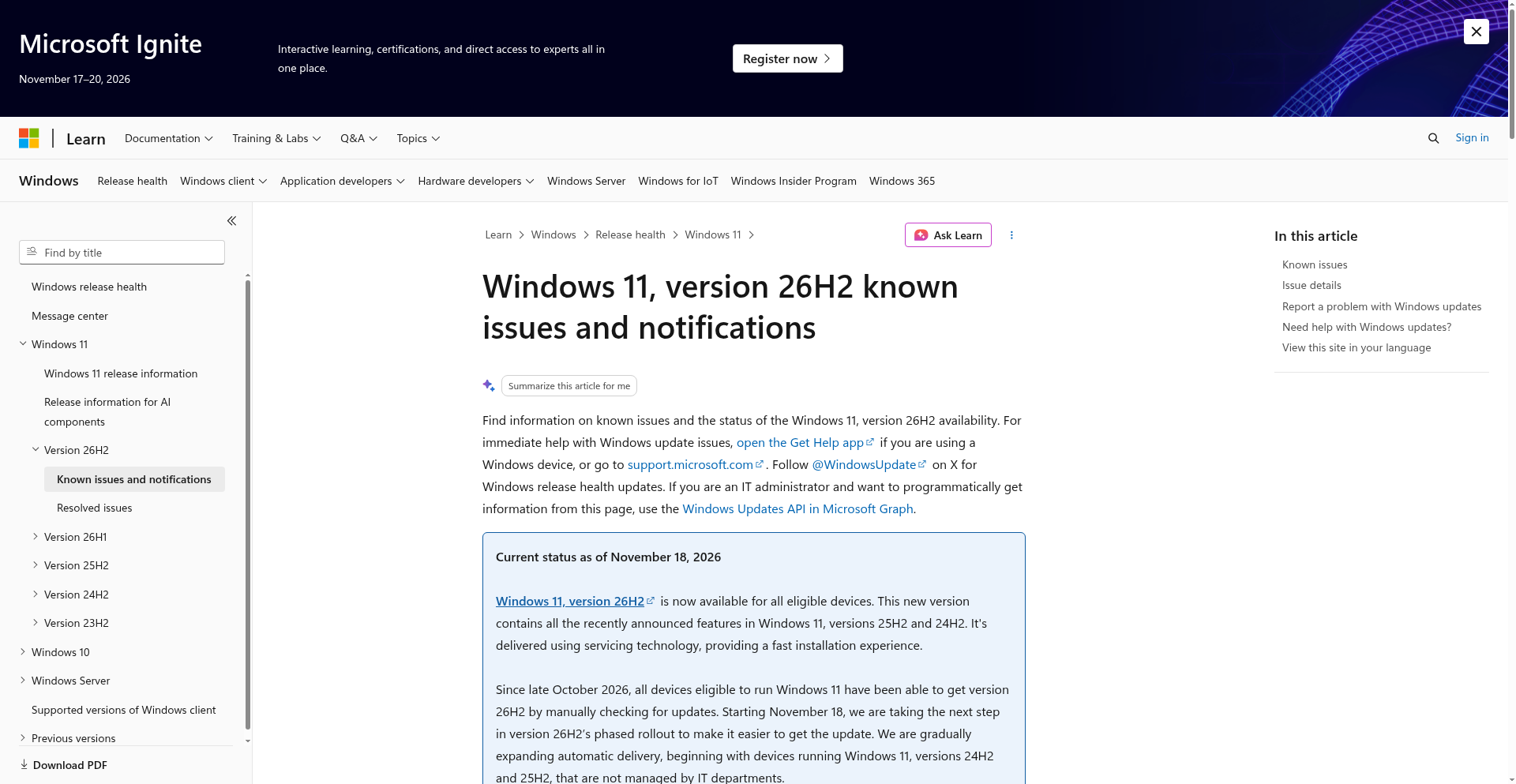
You may not need to go looking for the next Windows update. Microsoft has started expanding automatic delivery of Windows 11 26H2 to eligible PCs running 24H2 and 25H2 that are not managed by an IT department. The change began on November 18, according to its release-health dashboard.
The important word is gradually. This is a broader rollout, not a promise that every compatible laptop will wake up on a new version tomorrow. Delivery still depends on Windows Update settings.
What changes for your PC
Until now, Microsoft's dashboard says, all eligible devices could get 26H2 by manually checking for updates, an option available since late October. More of those PCs will now receive the update without their owners first clicking the check button. Personal PCs and unmanaged business computers are the initial targets.
That distinction matters. A work laptop controlled by your employer is not in the same rollout group just because it runs Windows 11. And automatic delivery is not the same thing as Microsoft announcing an immediate, simultaneous installation on every machine.
Less of a rebuild, more of an unlock
Microsoft describes 26H2 as containing the recently announced features of 24H2 and 25H2, delivered through servicing technology for a faster installation. As Thurrott explains, the update uses an enablement package on those versions rather than replacing the whole operating system.
I would read this as a rollout milestone, not a reason to expect an entirely different Windows desktop. The practical news is that Microsoft is moving beyond people who actively seek out the update. If you normally leave Windows Update to itself, this announcement is for you.
Where to check, without playing update roulette
Open Settings > Windows Update to see what your own machine is being offered. Microsoft's instructions still allow a manual check: select Check for updates, then Download & install if 26H2 appears. The Get the latest updates as soon as they're available switch is for people who want updates sooner, not something you must enable just because the rollout has widened.
Before a feature update, I would make sure important files have a current backup and leave enough time for a restart. For compatibility questions, the official release-health page is more useful than assuming that “available” means “free of known issues.” It lists current problems and fixes as Microsoft updates them.
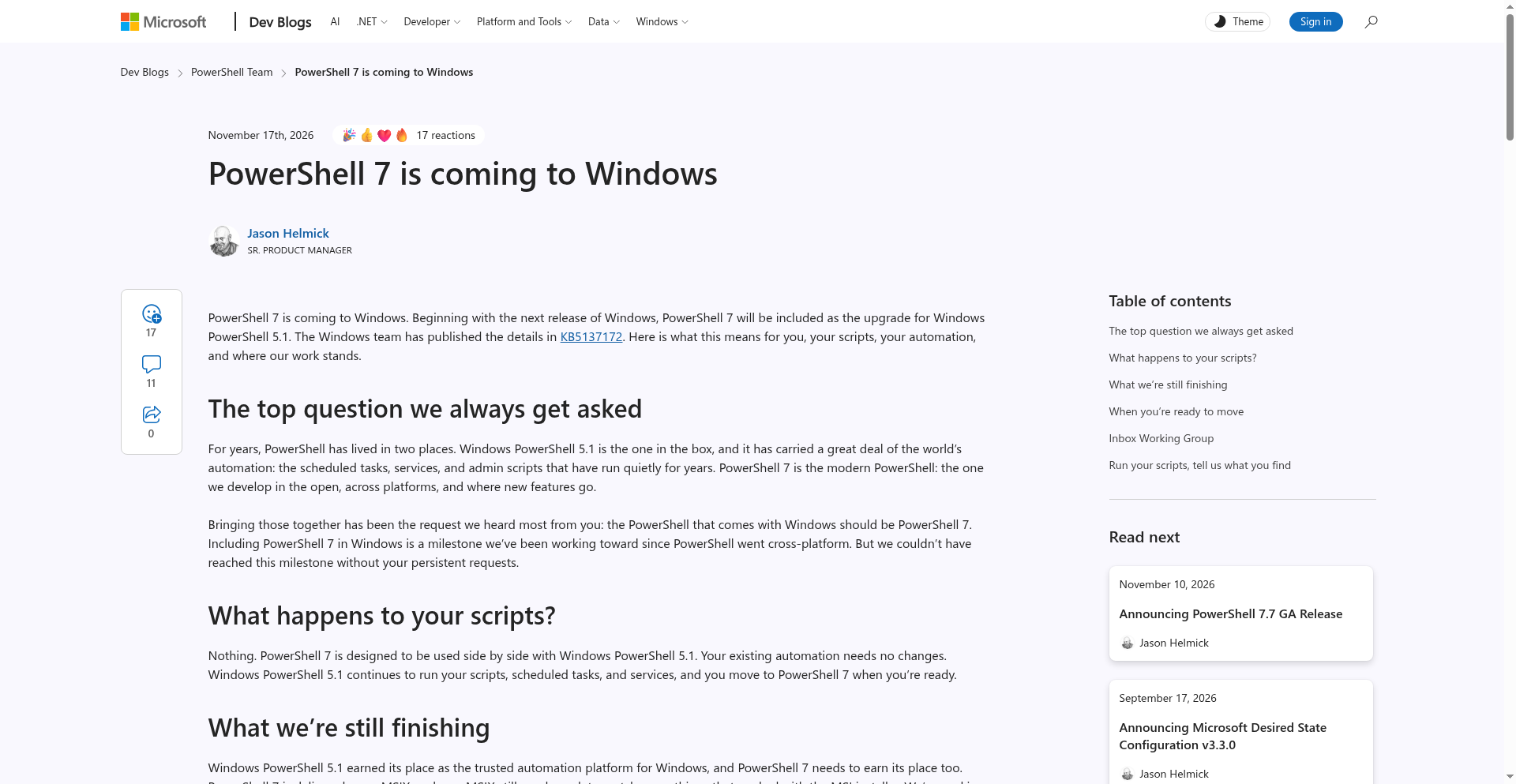
Source: Microsoft's Windows release-health dashboard, status dated November 18, 2026; additional reporting by Thurrott and BleepingComputer. Image: our capture of Microsoft's public release-health page, November 20, 2026. It shows the rollout notice, not a Windows installation test.