10 Best Free CCleaner Alternatives for Windows 11 (2026)
- CCleaner Alternative
- PC Cleaner
- Free Software
- Windows 11
- System Tools
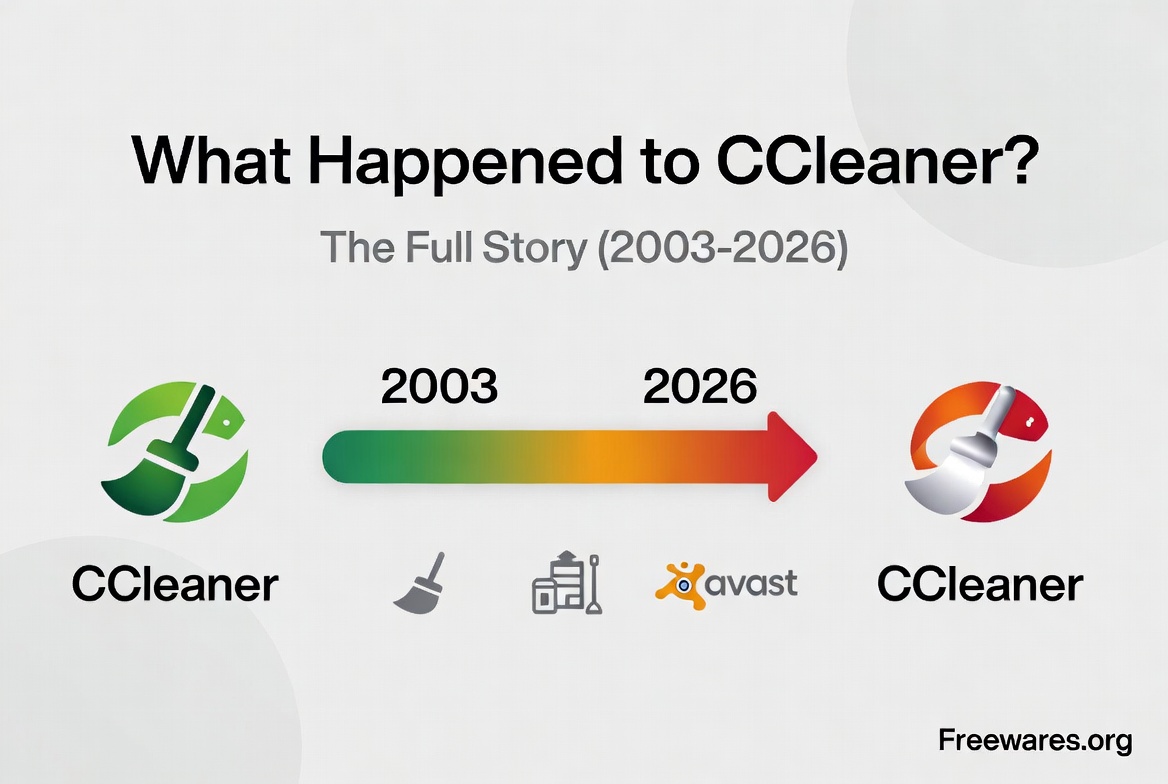
CCleaner has been the go-to PC cleaner for well over a decade, but it's no longer the obvious pick. The free version pushes the paid Pro tier at every turn, the installer likes to offer extras, and a lot of people never forgot 2017, when attackers slipped malware into an official CCleaner update that 2.27 million users downloaded before Avast contained it. CCleaner still works and still has its fans, but if you'd rather have a cleaner that just cleans, without the sales pitch, you have options. (We told the full CCleaner story in What Happened to CCleaner.)
Good options, actually. From open-source staples to Microsoft's own tool, here are the 10 best free CCleaner alternatives for Windows 11.
Tool | Best for | Free model |
|---|---|---|
Open-source deep cleaning | Open source | |
Hands-off maintenance | 100% free | |
Simple cleanup | 100% free | |
Privacy and trace removal | Free (donationware) | |
All-in-one toolbox | Freemium | |
Classic Disk Cleanup feel | Free (personal use) | |
Transparent modern cleaner | Open source | |
Polished free suite | Freemium | |
Removing apps and leftovers | Open source | |
Windows built-in tools | Zero-install basics | Built in |
1. BleachBit

BleachBit is the anti-CCleaner: open source since 2008, no account, no ads, no telemetry, and no "Pro" version lurking behind a paywall. You check the boxes, preview what will be deleted, and wipe it. It cleans browser caches, temporary files, logs and the junk left behind by dozens of applications, and it can shred files or overwrite free space so deleted data stays deleted.
Advanced users get a command line for scripting, CleanerML for custom cleaners, and winapp2.ini support for thousands of extra cleaning rules. The interface is plain and the deeper options assume you know what you're doing, so stick to the defaults if you're unsure.
Best for: anyone who wants a powerful, open-source cleaner with zero upsell.
2. Microsoft PC Manager

Microsoft's own answer to CCleaner is completely free and refreshingly quiet. PC Manager combines junk cleanup, large file management, startup app control and a health check that uses the Windows Defender engine for quick threat scans. It also ties into Storage Sense, so Windows can free up space automatically when your drive runs low.
It won't clean as aggressively as PrivaZer or BleachBit, but that's partly the point: it's hard to hurt your system with it. It runs on Windows 10 (19042 or later) and Windows 11.
Best for: set-and-forget users who want a cleaner straight from Microsoft.
3. Wise Disk Cleaner

Wise Disk Cleaner is a 100% free, lightweight utility (under 12 MB) that focuses on the basics and does them well: system junk, browser traces, and leftover files from uninstalled programs. A built-in defragmenter handles HDD optimization, and you can schedule automatic cleanups so you never think about it again.
The Common Cleaner mode is meant for everyday use, while Advanced Cleaner digs deeper into system files you can remove. Wise sells a separate all-in-one suite (Wise Care 365), but Disk Cleaner itself is fully free with no locked features.
Best for: a simple cleanup routine with scheduling.
4. PrivaZer

PrivaZer goes deeper than most cleaners. It scans your drive, the registry, your browsers and even free space for traces of what you've done, watched, downloaded and deleted, then shows you exactly what could still be recovered before wiping it. If privacy is your main reason for using a cleaner, this is the tool to beat.
That thoroughness has a cost: full scans take longer than the competition, and the number of options can overwhelm at first. The app is free, with a donors version for people who want to support development.
Best for: privacy-focused users who want the deepest clean available.
5. Glary Utilities

Glary Utilities is less a single cleaner and more a full maintenance toolbox. The one-click maintenance mode runs a junk cleanup, registry repair, shortcuts fixer, spyware sweep and tracks eraser in one pass, while individual modules cover startup management, uninstalling, file shredding, duplicate finding and more.
The free version is genuinely useful, but Glary keeps some automation behind the Pro tier, and the installer may offer extras, so pay attention during setup. It's the closest thing to CCleaner's all-in-one approach on this list.
Best for: users who want one toolbox instead of several utilities.
6. Cleanmgr+
Windows' classic Disk Cleanup tool (cleanmgr.exe) is deprecated, but Cleanmgr+ keeps the idea alive: a small, portable app from developer builtbybel that builds on Windows' own cleanup handlers in a modern interface. It targets system files, Windows Update leftovers, logs and browser caches, and you choose what gets cleaned.
There's nothing to install and nothing trying to sell you anything. The catch is its age: the latest release, 1.50.1300, dates from January 2022 and added initial Windows 11 support. It is closed source, free for personal use, and asks for a donation for commercial use.
Best for: minimalists who liked the old Disk Cleanup.
7. FluentCleaner
FluentCleaner is the newest name on this list: a free, open-source (MIT) cleaner from the same developer, built as a community-driven CCleaner alternative for Windows. The developer's pitch is no spyware, no scareware, no dark patterns and no fake "registry magic", with a cleaner you can audit and a modern Fluent Design interface.
One important caution: the project warns about fake FluentCleaner websites, including fluentcleaner.org, which has no affiliation with the developer. Download only from the official GitHub repository.
Best for: users who want a modern open-source cleaner and like watching a project grow.
8. Ashampoo WinOptimizer FREE
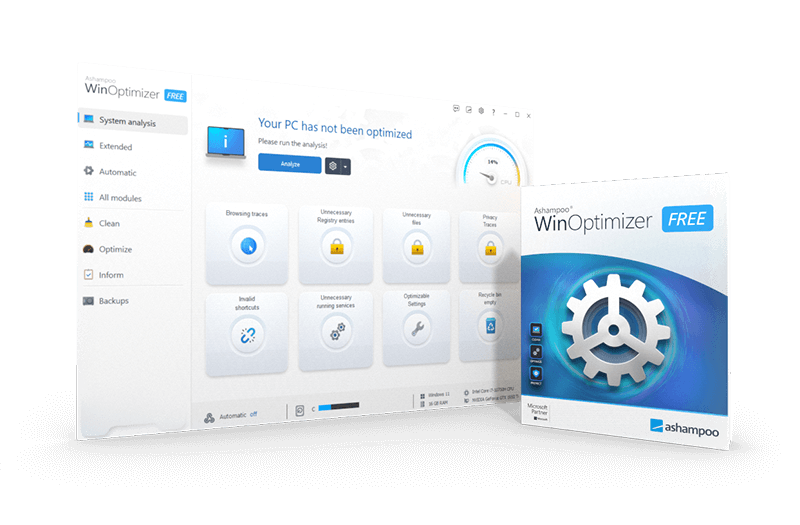
Ashampoo WinOptimizer FREE is the free tier of a commercial suite, and it shows in a good way: the interface is polished, the modules are well organized, and you get solid cleaning for junk files, browser traces and the registry, plus tools for startup entries and system tuning.
The trade-offs are typical freemium fare. Some modules are locked to the paid version, and the app reminds you about it. The free installer on Ashampoo's site dates from July 2023 (version 26.00.12), so check that it still fits your setup. If you can live with that, it's one of the more refined free options here.
Best for: users who value a polished interface and don't mind occasional upgrade nudges.
9. Bulk Crap Uninstaller
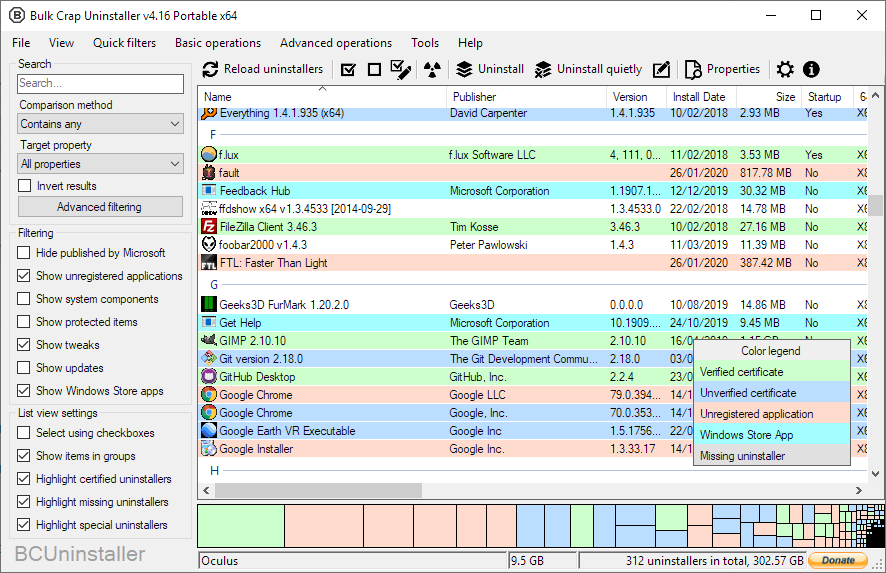
CCleaner's uninstaller is an afterthought. Bulk Crap Uninstaller makes uninstalling the main event: this free, open-source tool removes large batches of applications at once, detects orphaned and portable apps other uninstallers miss, and hunts down the files and registry entries programs leave behind.
If your disk is full because of years of half-removed software, BCU fixes the cause rather than the symptom. It's free as in speech and beer, and it barely needs any technical knowledge despite its power.
Best for: clearing out old programs and their leftovers in bulk.
10. Windows 11's Built-in Tools
Before installing anything, know that Windows 11 already covers the basics. Settings > System > Storage shows what's using space and offers cleanup recommendations, while Storage Sense can automatically empty the recycle bin, clear temporary files and offload unused OneDrive files on a schedule. The old Disk Cleanup tool still exists too, even if Microsoft has stopped promoting it.
These tools won't match PrivaZer's depth, but they are built in, automatic and already on your PC. For many people, Storage Sense plus an occasional manual check is enough.
Best for: everyone, as the baseline before third-party tools.
How to Choose the Right Cleaner
Your pick depends on what annoys you most:
Open source with no compromises: BleachBit or FluentCleaner.
Zero effort: Microsoft PC Manager with Storage Sense.
Maximum privacy: PrivaZer.
All-in-one toolbox: Glary Utilities or WinOptimizer FREE.
Removing old programs and leftovers: Bulk Crap Uninstaller.
Most users will be happy with BleachBit for deep cleans and Storage Sense for automation. Add Bulk Crap Uninstaller when the real problem is years of accumulated software.
A Word on Registry Cleaners
Several tools here include registry cleaning, but temper your expectations: on a modern Windows 11 PC, removing leftover registry entries won't make your computer faster. It can tidy things up, and the risk is small with reputable tools, but it's not the speed boost marketing pages promise. Freeing disk space and managing startup apps will do far more for performance.
Frequently Asked Questions
Is CCleaner still safe to use?
The 2017 supply-chain incident was contained long ago, and CCleaner has kept shipping updates since. Whether you trust it today is a judgment call: the recurring complaints are aggressive Pro upsells and bundled offers during installation, not the software's core function. If you do use it, download only from the official site and watch the installer checkboxes.
What's the best free CCleaner alternative for Windows 11?
For most people, BleachBit: open source, powerful, no upsell. If you want something that runs itself, Microsoft PC Manager is the easiest choice, and PrivaZer is the pick for deep privacy cleaning.
Do registry cleaners actually speed up Windows 11?
Not measurably. Cleaning junk files frees space and can help when a drive is nearly full, and trimming startup programs speeds up boot times. Registry cleaning is mostly cosmetic on modern systems.
Do I even need a third-party cleaner?
Strictly speaking, no. Storage Sense and the built-in Storage settings handle routine cleanup. Third-party tools earn their place when you want deeper cleaning, more control, or batch uninstalling.
Can a cleaner delete something important?
Any cleaner can if you check boxes blindly. Use the preview feature (BleachBit and PrivaZer both have one), stick to default selections until you know a tool, and leave options you don't understand unchecked.