Ferdium: A Home for All Those Chat Windows
There is a particular kind of desktop chaos that arrives one perfectly reasonable chat app at a time. Work uses one service. Friends use another. That group you cannot quite leave lives somewhere else. Before long, finding a conversation requires remembering which window was making the noise.
Ferdium offers a home for that collection. It puts web services into a desktop app with a sidebar, separate service entries, and workspaces. It will not reduce the number of people asking you things. There are limits to what free software can reasonably be expected to fix.
One window, several lives
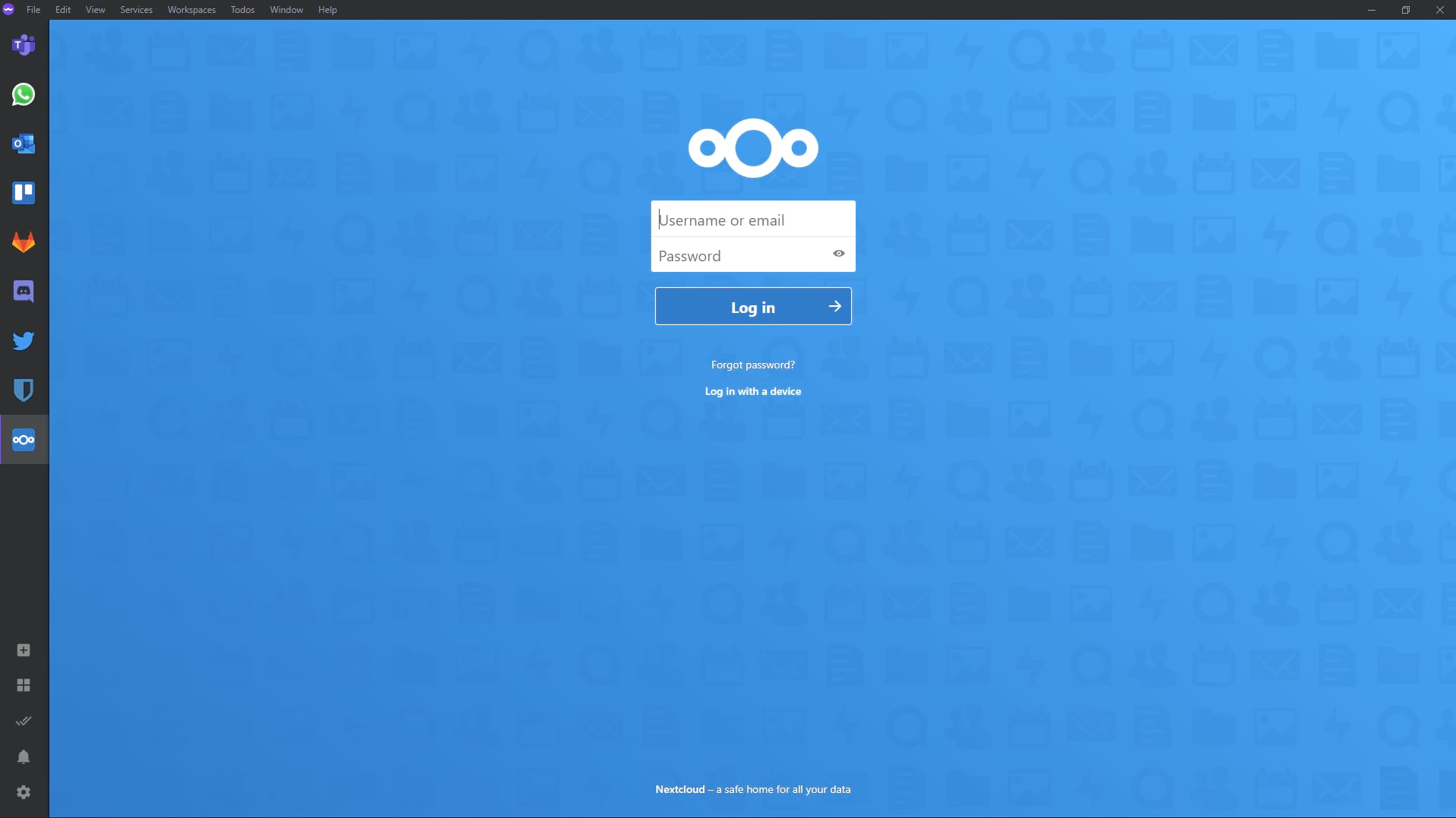
Ferdium is a community-developed, open-source desktop application under the Apache 2.0 license. Its repository describes its roots in Franz, but the useful question is what it does now: keep multiple services within reach without scattering them across browser tabs and bookmarks.
You can add the same service more than once, so personal and work accounts do not have to share a single entry. That is useful when the familiar ritual is logging out, logging back in, and discovering that the important message was in the account you just left.
These remain separate services. Ferdium does not merge their conversations into a universal inbox or make their accounts interchangeable. Think of it as a well-organised shelf, not a translator standing between all your contacts. You still use each service's own interface and sign-in.
Workspaces are the interesting bit
The official site presents workspaces as a way to keep only the relevant services in front of you. A work set and a personal set can make more sense than a permanent wall of icons, especially if your browser already contains enough tabs to qualify as a geological formation.
There is also a built-in to-do panel, which can sit alongside a service. That is a sensible place for a short list of things to do while messages arrive, rather than another reason to open another window. Custom services can be added when the one you need is not already represented.
The temptation is to add everything immediately. A better first pass is two or three services you actually switch between every day. Give them clear names, separate duplicate accounts deliberately, and decide what belongs in each workspace. The app should make a habit easier, not become a new collection to maintain.
No Ferdium account does not mean no accounts
Ferdium can be used without creating a Ferdium account. The site also offers account-based synchronisation of services and workspaces for people who want that configuration across computers. Those are options for managing Ferdium itself, not a way around signing into the services you add.
That distinction matters for privacy. Putting a web service inside a different window does not change who operates it or how its own account policies work. If a service normally stores messages on its servers, Ferdium does not turn it into an offline or self-hosted messenger.
There is a notification privacy option intended to hide information while still alerting you. It is worth exploring before using the app during screen sharing or in a shared workspace. Also check your employer's rules before signing a work account into a third-party client. Convenience is useful; an avoidable account-policy conversation is rather less so.
A tidier desk, not a free memory upgrade
The project documents service hibernation to save resources. Treat that as a feature to evaluate with your own set of services, not a guarantee that the app will always use less memory than your browser. The number and behaviour of the web services you load still matter.
Likewise, a service appearing in an aggregator does not guarantee that every call, notification, attachment, or sign-in flow will behave exactly as it does in that service's preferred client. Try the features you rely on before retiring an existing app. This article is a documented discovery, not a report of successful sign-ins or tested calls.
Ferdium makes the most sense if your real problem is finding and separating a handful of everyday services. If your browser's pinned tabs already do that comfortably, you may not need another app. But if your day consists of hunting for the right conversation in the wrong window, a single sidebar is an appealingly small intervention.
Official site: https://ferdium.org
Documentation and source code: https://github.com/ferdium/ferdium-app
Cover image: official Ferdium screenshot showing a Nextcloud sign-in and the service sidebar, not our own session.