RustDesk: A Helping Hand on Another Screen
"Click the thing next to the other thing." Remote tech support can become an unusually bad game of Battleship when neither person can see what the other is describing. A remote desktop tool replaces that conversation with a view of the actual screen, and, with permission, control of it.
RustDesk is an open-source option worth knowing about. It can use the project's public connection infrastructure, or let you run your own ID and relay servers. The second route is what makes it more interesting than simply another app for borrowing someone else's mouse.
A practical way to reach another computer
The client is available for Windows, macOS, and Linux, with mobile options as well. The official documentation describes a familiar connection flow: a device has an ID, the person connecting enters it, and access is authorised through the configured password or approval settings. Security permissions decide what the visitor can do.
That can fit occasional help for a consenting relative, access to a computer you own, or a small support setup. File transfer and clipboard features are part of the wider toolset, but you should enable only what the job calls for. Looking at a setting does not automatically require the ability to move files around.
This article is a discovery based on the official client and server documentation, not a claim that we completed a remote support session. We have not measured latency or tested every platform pairing. Those are things to check on the actual machines before depending on it.
Direct when possible, relayed when necessary
There is an important distinction between finding another device and carrying its screen traffic. By default, the client connects to RustDesk's public servers. The ID server helps the two endpoints find and establish a connection with one another.
The self-hosting documentation says the server attempts a direct connection using hole punching. If that fails, the session goes through a relay. So it would be wrong to say every session necessarily sends its traffic through a public relay. It would be equally wrong to say the public infrastructure is never involved.
You can run the open-source server components yourself: hbbs handles ID and rendezvous, while hbbr handles relay traffic when needed. That gives you control of this infrastructure, but it also gives you responsibility for deployment, access rules, updates, and availability. The server does not maintain itself out of gratitude.
Free software, with a separate Pro offering
The RustDesk client repository uses the AGPL 3.0 license. There is a free, open-source self-hosted server option, and a separate Server Pro product with paid administration features. The documentation distinguishes them explicitly; a web console and centrally managed enterprise features should not be casually promised as part of the free setup.
For a personal discovery, start by understanding the client and the permissions on the devices involved. Running your own server is an option, not a compulsory first afternoon project. Equally, self-hosting is not a magic safety label: a poorly maintained server still needs fixing, even if it is proudly yours.
Operating-system permissions matter too. On macOS, the official guide calls out Accessibility and Screen Recording, and sometimes Input Monitoring, for control to work correctly. Installing the app alone is not the whole job. On iOS, the documentation says the device cannot itself be remotely controlled, so do not assume every mobile platform has identical capabilities.
Useful power, with a proper off switch
Remote control is a powerful permission. Only connect to devices whose owners have agreed, verify who is asking for access, and never give a caller control simply because they claim to represent a bank or a support department. A legitimate tool can still be used in a thoroughly illegitimate conversation.
For an occasional session, review the incoming-access permissions, prefer the narrow access you need, and close the session when the task is done. Do not turn on unattended access merely to avoid one extra click. If you do need it on a machine you own, treat its authentication and ongoing maintenance as part of the setup, not a detail for later.
RustDesk is appealing because the choice of infrastructure is real: public servers for the standard route, your own ID and relay services if you want that responsibility. It will not make every remote problem easy. But replacing "the other button, no, the other other button" with the actual screen is a fairly convincing start.
Client documentation: https://rustdesk.com/docs/en/client/
Self-hosting guide: https://rustdesk.com/docs/en/self-host/
macOS permissions guide: https://rustdesk.com/docs/en/client/mac/
Source code and license: https://github.com/rustdesk/rustdesk
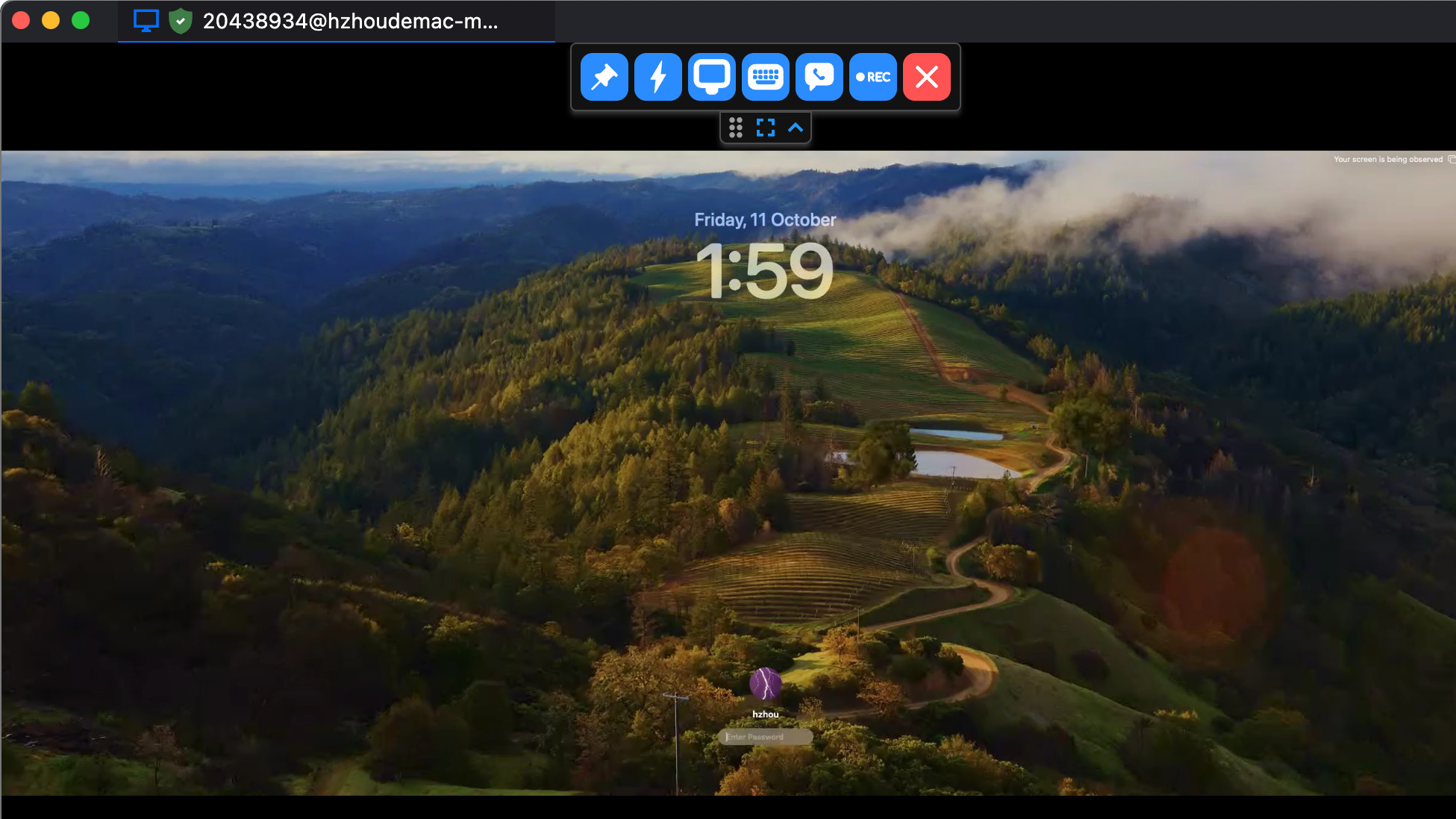
Cover image: official RustDesk remote-session screenshot, not our own connection.