net-merge: Put a Second Internet Connection to Work
- networking
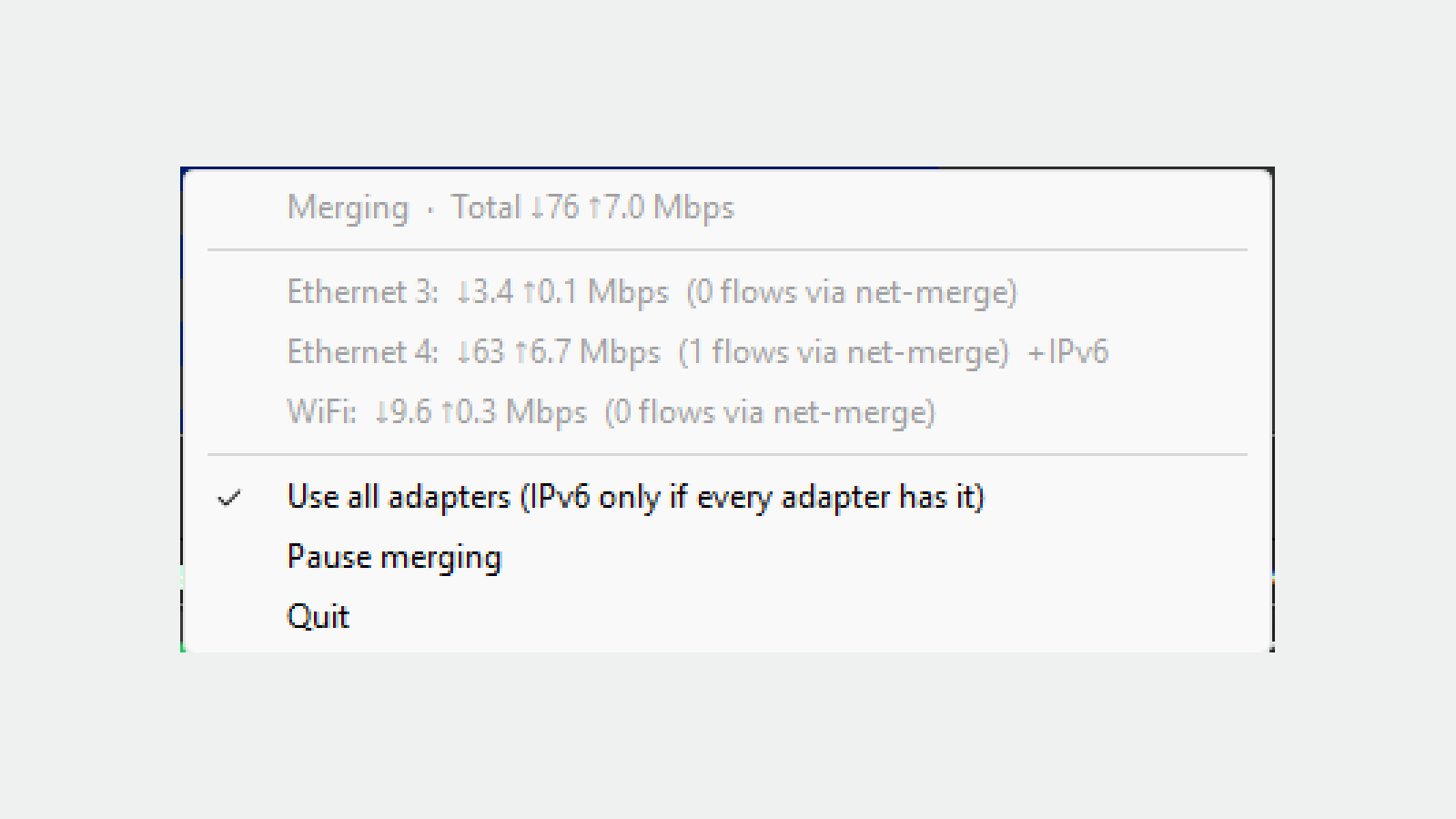
A phone hotspot can sit next to a perfectly usable home connection while a large download crawls along. net-merge has a tempting answer: put both connections to work. The useful detail is how it divides that work. It spreads separate network connections across your links. It does not turn every individual download into a faster one.
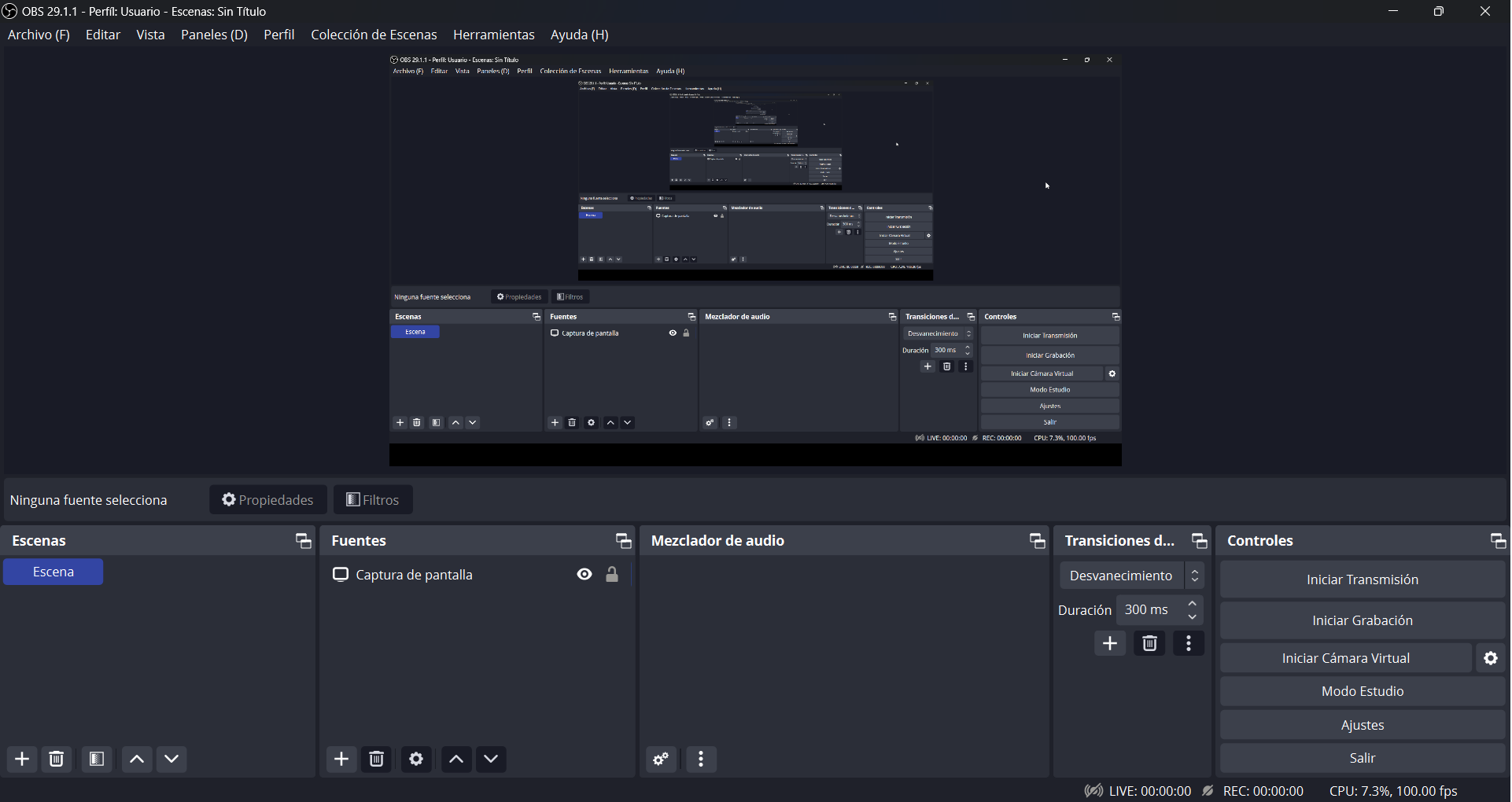
net-merge is a free, MIT-licensed project for Windows, macOS and Linux, with a separate Android beta. Its desktop app lives in the tray or menu bar, where you can see traffic, pause the balancing and quit. There is no hosted relay account to create. Your connections still go out through your own internet providers.
Two cables are not necessarily two internet connections
The clearest setup is home internet plus a phone using mobile data. Each has its own route to the internet. Wi-Fi and Ethernet connected to the same home router usually share the same internet connection, so net-merge cannot conjure up extra capacity at the other end of that router.
It also matters what the application is doing. A download manager fetching several parts of a file, or an application making many connections, gives net-merge several pieces of work to distribute. A single connection stays on one link. That is the difference between per-connection load balancing and bonding one connection through an outside server.
The project publishes examples of faster parallel downloads. Treat those as its demonstrations, not a speed you should expect from your own connections. Signal strength, the remote server and the number of simultaneous connections still matter.
We checked the small mechanism behind the big promise
For this look, we ran eight targeted tests from version 0.3.7's source, including its local SOCKS proxy tests. They passed. In the most useful one, a local server received six connections through two loopback addresses standing in for network adapters. The test checked that three arrived through each address and that the returned data matched.
Another test made one source address unusable and checked that new connections used the available one. This is a concrete check of the connection-distribution machinery, not a measurement of combined Wi-Fi and mobile throughput.
That distinction makes the app easier to judge. The interesting promise is distributing work that can be split, rather than a universal speed boost for everything on your computer.
The practical catches belong near the download button
A phone connection uses the phone's data allowance. Leave a game download running and some of that traffic can use mobile data. The desktop menu supports per-adapter speed limits, but a speed limit is not the same thing as a monthly data budget. Per-app routing and data-cap controls are promoted separately in the related RoutEngine product.
A VPN app on the same computer is another awkward combination. The documentation says the VPN can capture the traffic before net-merge can spread it. More importantly, sending traffic over a second unprotected link would defeat the privacy expectation. Do not disable a VPN just to chase a higher download number without understanding what changes.
Installation also needs real network privileges. Windows uses an installer with an administrator prompt; its release notes warn that the app is not code-signed. On Linux, the documented packages grant network capabilities. The macOS setup adds a passwordless sudo rule for specific net-merge commands. Those are meaningful system changes, even for an open-source utility. Read the current installation instructions rather than pasting a command blindly.
And the Android version?
The Android beta targets Android 8.0 and later, using the system's VPN permission without a remote VPN server. Android permits one VPN app at a time, so it cannot sit beside another VPN app. The same single-connection limit and mobile-data warning apply.
net-merge is worth a look if you genuinely have two independent internet connections and a workload that opens several connections. If all you have is Wi-Fi and Ethernet from one router, or one slow single-connection transfer, start elsewhere. The honest appeal is narrower and more useful than “double your internet”: stop leaving a second connection idle when there is parallel work for it to do.
Our net-merge software page has the platform details and official download links.
Sources
Project screenshot: net-merge Windows menu, © 2026 Rohit Mahto. Cropped and enlarged; neutral background added. Source · MIT license.