Skykeep: iCloud on Linux and Windows
- iCloud
- Linux
- Windows
- Sync
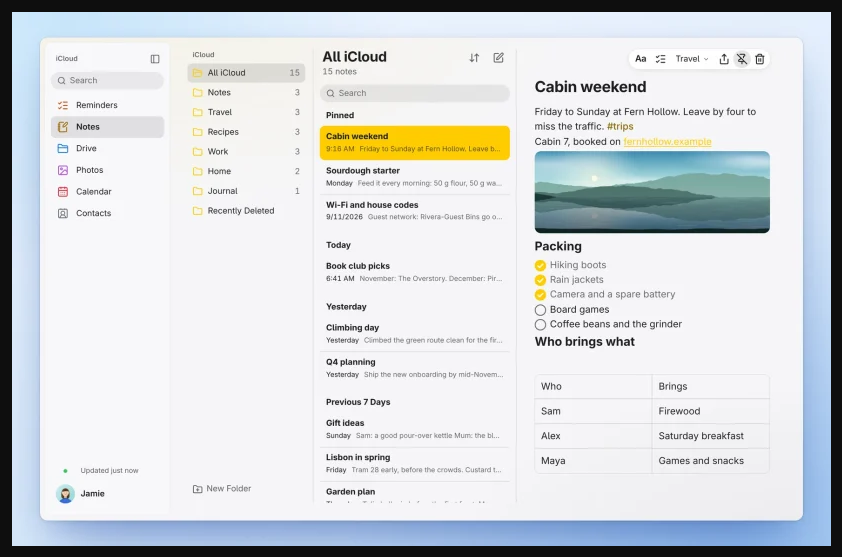
You have an iPhone in your pocket and a Linux or Windows PC on your desk, and every interaction between them runs through a browser tab you keep forgetting to reopen. Skykeep takes a different route: it gives six iCloud services real desktop windows, backed by a local library that stays on your disk.
Six apps, one local library
Skykeep covers Notes, Reminders, Calendar, Contacts, iCloud Drive and Photos. It pairs a Rust engine with a Tauri interface, and everything lands in a local SQLite library on your machine. Opening a window reads that local copy, so there is no network round trip between you and a note you already synced. Edits go into an outbox and appear immediately; offline changes wait and get sent when you are back online. In practice that means you can read and keep writing notes, reminders, events and contacts with no connection at all — syncing simply resumes later.
On Linux, Drive and Photos also mount as real folders through FUSE, so they show up in your file manager; on Windows those two services currently stay inside their Skykeep windows, with folder mounts listed as future work.
Signing in: it is your Apple account, through Apple's own doors
Skykeep is an independent, third-party client — not an Apple product. You sign in with your Apple Account: the app uses Apple's SRP protocol, so your password is not sent over the wire, and two-factor approval is Apple's own prompt on your iPhone or another Apple device, with the usual six-digit code. Your session is kept in the system keyring (GNOME Keyring or KWallet on Linux, Credential Manager on Windows) so the apps can sign back in by themselves. As with any third-party client talking to Apple's servers, you are trusting the project's code — the GPL-3.0 source is there to audit — and Apple's tolerance of such clients can change. That said, the project makes no security promises beyond this design, and neither do we.
Small, fresh and genuinely open
Skykeep is GPL-3.0, and version 0.1.6 shipped on November 5 with proper packaging: .deb, .rpm, Flatpak, a Snap, an AUR package and a Windows x64 installer, with SHA-256 checksums for each. This is a young project (the first releases are weeks old), so expect the occasional rough edge — but the foundations, offline-friendly local library and honest packaging, are exactly right.
If you live between an iPhone and a non-Apple computer, this is the most convincing bridge I have seen in a while. The code and installers are at github.com/YashwanthKamireddi/Skykeep, and our Skykeep listing has the key facts.
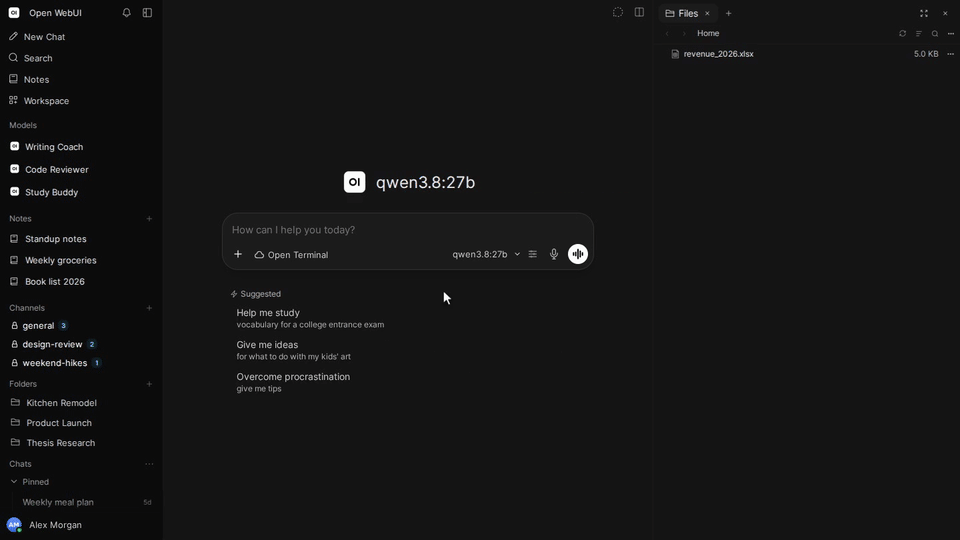
Cover: Skykeep Notes on Linux (official project screenshot via the Snap Store listing).